
1571 Burst Ripping: Fast ZoomFloppy Disk Copies
#Commodore64 #C64 #Commodore1571 #ZoomFloppy #OpenCBM #Nibtools #DiskImaging #RetroComputing #Ultimate64 #FloppyDisks
https://theoasisbbs.com/1571-burst-ripping-fast-zoomfloppy-disk-copies/?fsp_sid=1016
#opencbm

Hm, running #opencbm on #linuxmint is a bit more difficult than expected. I installed OpenCBM via brew, as there are no debian packages for it, it seems. This worked fine under macOS, but on Mint it seems that even though I am in plugdev, the XUM1541 ZoomFloppy is not accessible as a regular user. What magic do I have to do here? Some udev rules?

C64 Nibble Archiving: Rip Physical Disks for Your Commodore 64 Ultimate
#Commodore64 #C64 #C64Ultimate #1541 #RetroComputing #DiskImaging #D64 #G64 #ZoomFloppy #OpenCBM #Nibtools #Maverick
https://theoasisbbs.com/c64-nibble-archiving-rip-physical-disks-for-your-commodore-64-ultimate/?fsp_sid=856


Today I tried to build and install OpenCBM on my laptop running Linux Mint 21.3 (Virginia) by using this guide for version 0.4.99.104 from 2022:
https://opencbm.trikaliotis.net/opencbm.html
It turned out that the link to the tarball was outdated and some prerequisites were missing. I'm not much of a Linux geek, but if you're using Mint and just want it to work, my steps might help you.
1. I installed these applications using the Software Manager:
Build-essential
cc65
2. I installed these debian packages using the Synaptic Package Manager:
libusb-1.0-0-dev
libncurses-dev
3. The source code tarball can now be downloaded here:
https://github.com/OpenCBM/OpenCBM/archive/refs/tags/v0_4_99_104.tar.gz
The next steps in the manual worked without any problems for me and I was able to successfully connect my drive (1541-II) with the laptop using a XUM1541 adapter.


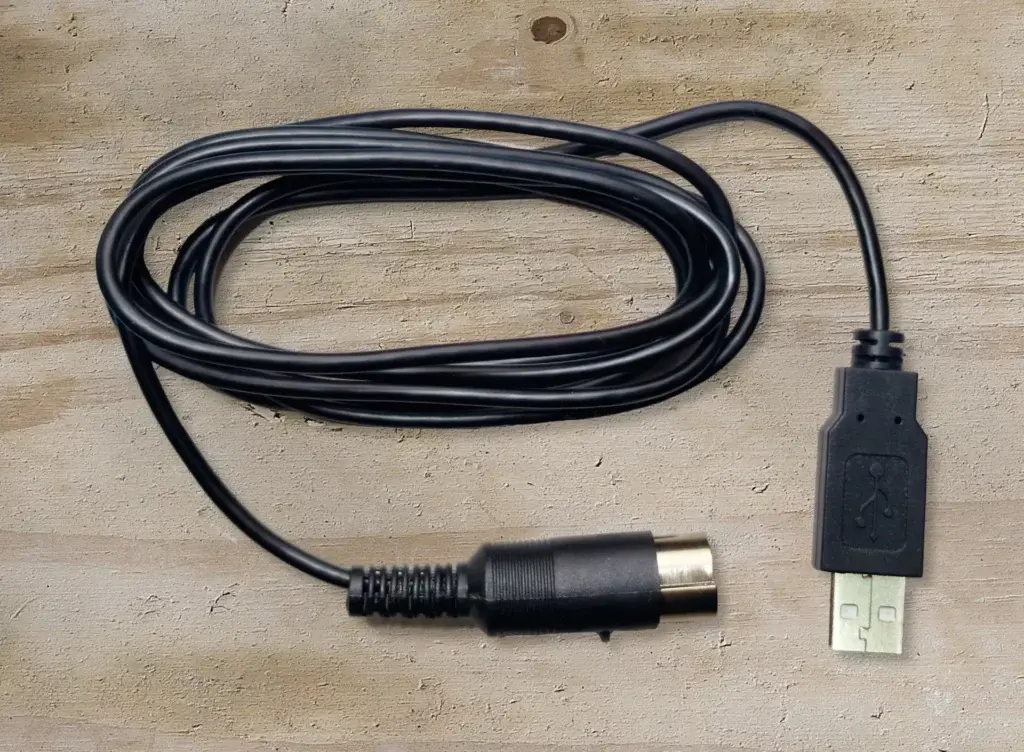
XoomFloppy als USB-Kabel
Die ZoomFloppy war mir immer viel zu groß. Daher habe ich in der Vergangenheit einige Projekte gestartet, um das Ganze auf eine wesentlich kleinere Größe zu reduzieren.
Warum überhaupt ein externes Gerät verwenden, wenn das Diskettenlaufwerk dire…
#1541 #1571 #1581 #C128 #c64 #Cable #commodore #Commodore64 #Device #diy #Extension #opencbm #PC #PCB #Printer #Project #usb #XoomFloppy #XUM1541 #ZoonFloppy
OpenCBM unter Arch Linux installieren
Mit dem Tool OpenCBM ist es möglich, alte Commodore Peripherie, wie Drucker und Diskettenlaufwerke, an aktuelle Computer anzuschließen und zu nutzen. So ist es unter anderem möglich, auf dem PC […]
#arch #commodore #diskettenlaufwerk #drucker #linux #opencbm #peripherie
https://dirkwouters.de/opencbm-unter-arch-linux-installieren/
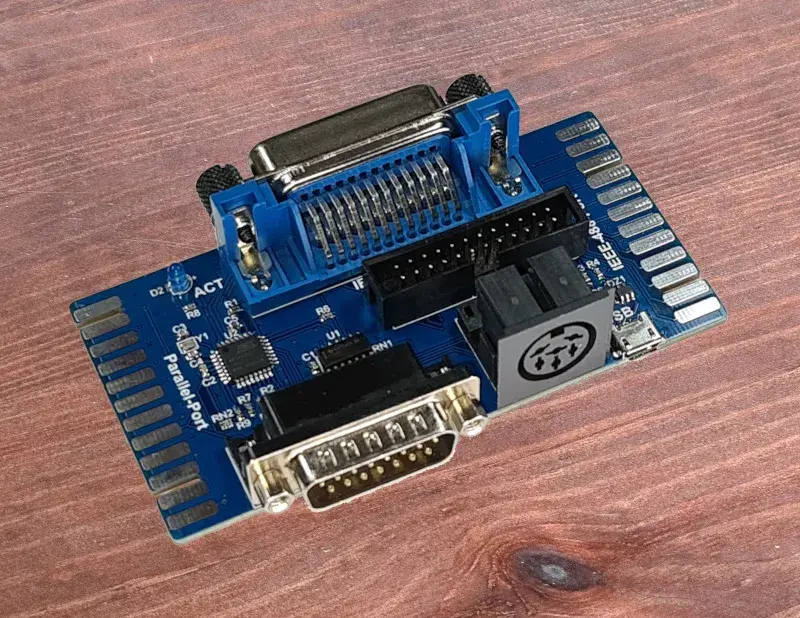
Kleines Update für das XoomFloppy Pro
Aufgrund einiger Rückmeldungen habe ich das XoomFloppy Pro ein wenig angepasst. Offenbar wird der Centronics-Anschluss für den IEEE-488-Port mehr benötigt, als ich dachte. Deshalb habe ich versucht, mit minimaler Vergrößerung der Platine, diesen noch…
#CBM #commodore #drucker #Festplatte #GPIB #IEC #IEEE488 #Kabel #opencbm #parallel #Pro #SFD1001 #SpeedDOS #VC1541 #XoomFloppy #XUM1541 #ZoomFloppy
OpenCBM unter Windows installieren
Um auf Windows Rechnern openCBM zu installieren, gilt es ein paar Fallstricke zu umgehen. Eine kleine Anleitung soll dabei helfen.
#commodore #diskettenlaufwerk #drucker #opencbm #peripherie #windows
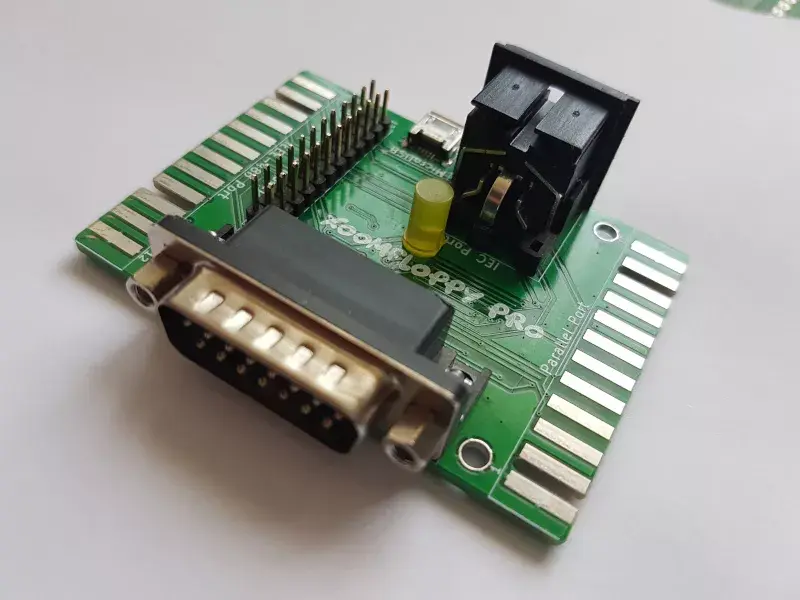
XoomFloppy Pro – Darf es etwas mehr sein?
Das XoomFloppy ist schon ein geniales Gerät. Aber manchmal braucht man ein bisschen mehr an Anschlüssen. Nun könnte man das XoomFloppy umständlich erweitern, oder wie in diesem Fall eine “Pro”-Variante kreieren. Das Maximum bei einem Minimum an Platz war mein Ziel.
#Bus #Cable #CBM #Disk #Drive #GPIB #IEC #IEEE488 #Micro #opencbm #parallel #PET #Printer #Pro #usb #XoomFloppy
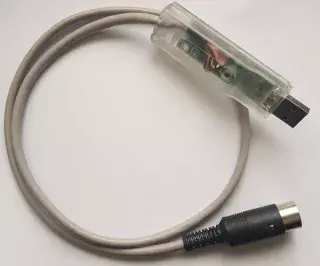
XoomFloppy – Die ZoomFloppy im Miniaturformat
Der Anschluss eines Commodore-Diskettenlaufwerks oder Druckers an einen PC ist kein Problem mehr. Über USB ist dies mit verschiedenen Hardwarelösungen sehr einfach möglich. Was mir aber fehlte, war eine elegante Lösung. So kam ich auf die Idee de…
#1541 #ATMega #Bus #c64 #CBM #commodore #Disk #Drive #IEC #opencbm #RetroInnovations #stick #usb #VC1541 #XoomFloppy #XUM1541 #ZoomFloppy

@pla_906114 Not exactly a "project" now ... I soldered that cable like 20 years ago, and when I moved my desktop to #FreeBSD, I ported the (kernel) driver.
But yes, it's pretty nice. I added an optional parallel connection to the 1541's VIA to that cable, and #opencbm comes with automatically uploaded "drive code" making use of it for really fast disk imaging (in both directions).
My horribly old #desktop #PC is finally starting to die. Currently running a backup (using #zfs send/recv) to my server of one important local dataset.
Now I started looking for new hardware and to my surprise found a "modern" mainboard with a "real" parallel port (internal header, certainly good enough). This really helps with my retro hobby (#C64), years ago I soldered a simple interface cable that allows using a 1541 floppy on the PC, I even ported the #opencbm driver for that from #Linux to #FreeBSD. Without a parallel port, you'd need some complex USB interface instead including a microcontroller and "tons of shit", while the cable for the parallel port basically consists of a few diodes.
Now I wonder one thing: I'd also love to have a #FDC (#floppy drive controller) again. Is there any modern board coming with THAT as well or should I just forget about it?
After a hiatus from this project, I made some progress with porting a subset of OpenCBM to rust.
Basic XUM device communication over USB and exchange of simple commands with the XUM device appears to be working.

@dawnraad There are dozens of solutions. If you really want to still use physical #floppy disks, a 1541 can be hooked up to a PC, nowadays typically using some USB adapter (there are several available), but if you have an old PC that still has a parallel port, a quite simple cable with just a few resistors and diodes would do as well (there are manuals to build one). For software, I'd recommend #OpenCBM with that.
Most people nowadays prefer to emulate the floppy instead. The "cheap" solution is called #SD2IEC ... working somewhat well, but failing with software trying to directly program the 1541 (like custom fastloaders as used in many games and demos). A very comfortable solution would be the 1541-Ultimate-II+, which offers perfect 1541 emulation plus several other goodies like ethernet (push your software with FTP, launch it remotely using telnet) 😎

The #ZoomFloppy interface works very good with the #Vice emulator. Many thanks to the #OpenCBM team for fixing the recent issues I had. #Commodore64 #retrocomputing

Wanted to do some stuff with my ZoomFloppy but after becoming partial to Rust, I really, really don't want to do it in C++.
So I've started to port a subset of OpenCBM from C++ to Rust. Only targeting XUM1541 support - for now anyway.
The heavy USB lifting is done by rusb which presents a nice Rust interface to the behemoth that is libusb.
We'll see where this goes, but some good progress getting as far as initializing the device, querying its state and executing a Reset to the connected drive, over the IEC bus.
New video up for Patreons:
ZoomFloppy+OpenCBM+8050
The main issue with the Commodore 8050 and 8250 drives is: How do you get data onto them?
https://www.patreon.com/posts/zoomfloppy-8050-93771295
#retrocomputing #commodore #commodore8050 #zoomfloppy #opencbm
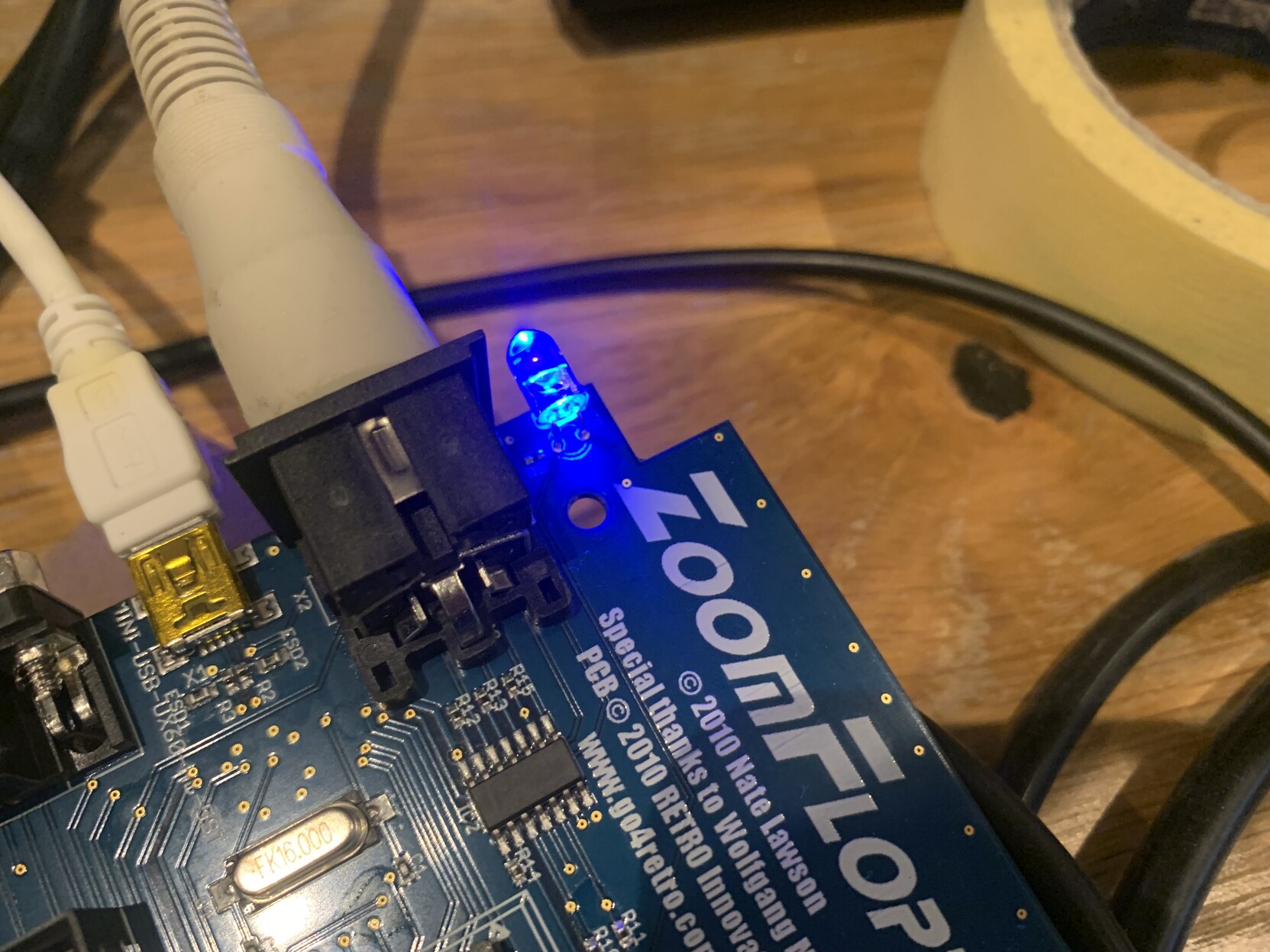
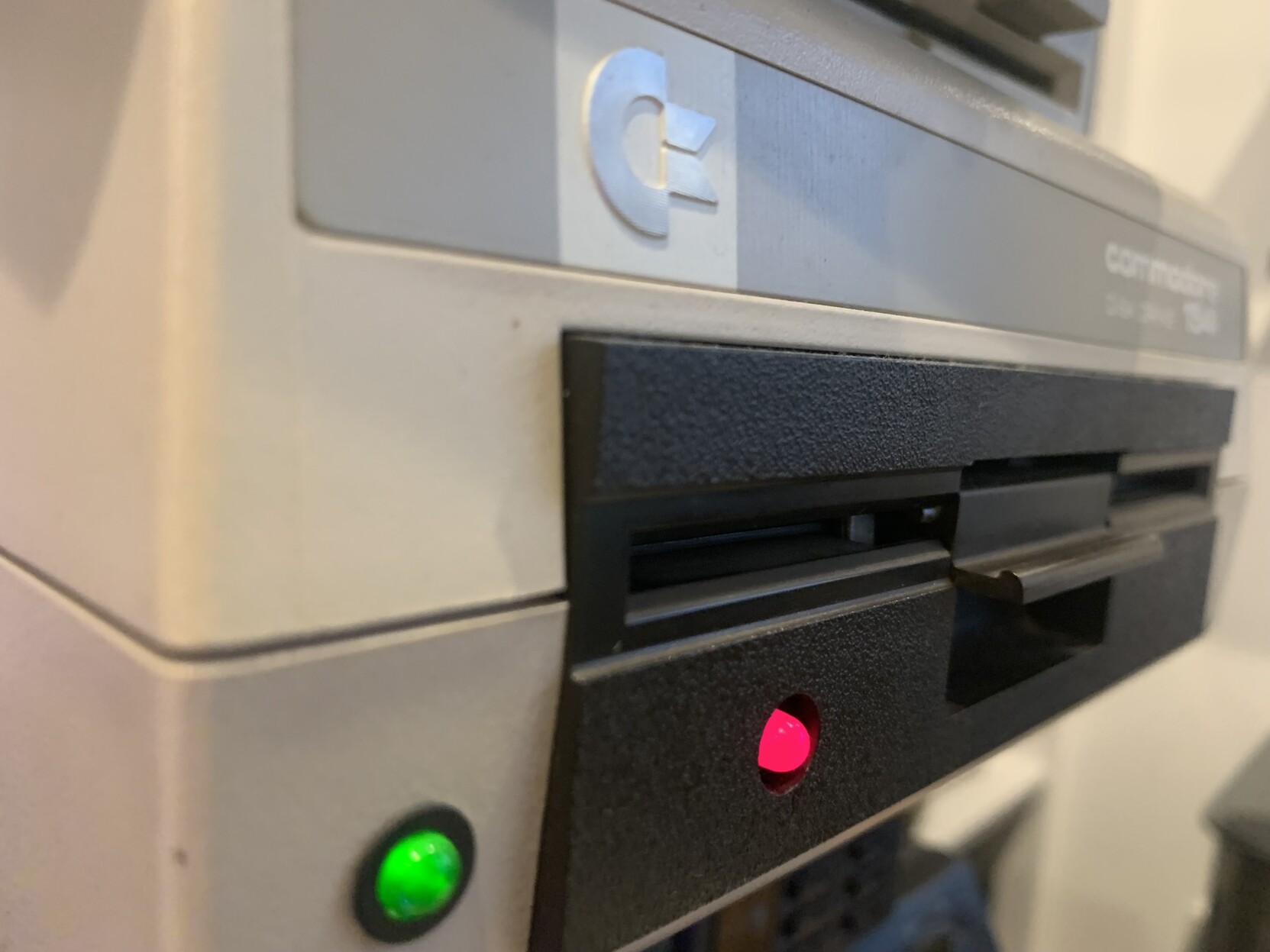
Testing out the ZoomFloppy… it is really plug and play in combination with OpenCBM.
#commodore #c64 #opencbm #zoomfloppy #retrocomputing

Client Info
Server: https://mastodon.social
Version: 2025.07
Repository: https://github.com/cyevgeniy/lmst