
@notsle
I'm reading your post while my laptop is busy repartitioning for a Mint installation. I'm moving away from Ubuntu because of Snap. Not quite hardcore enough to go for plain Debian.
#LinuxUbuntu

I tak, nie mam wgranego linuxa, bo to nie mój PC (Jest pożyczony od mamy, bo jedno wgrywać aplikacje, a jedno wgrywać system operacyjny)
Ten PC do budowałam nie chcę się odpalić, w sensie, niby działa (Bo wiatraki się kręcą i tę sprawy), ale nie chce się odpalić, więc będę zmuszona poprosić o pomoc najgorsze miejsce... Serwis

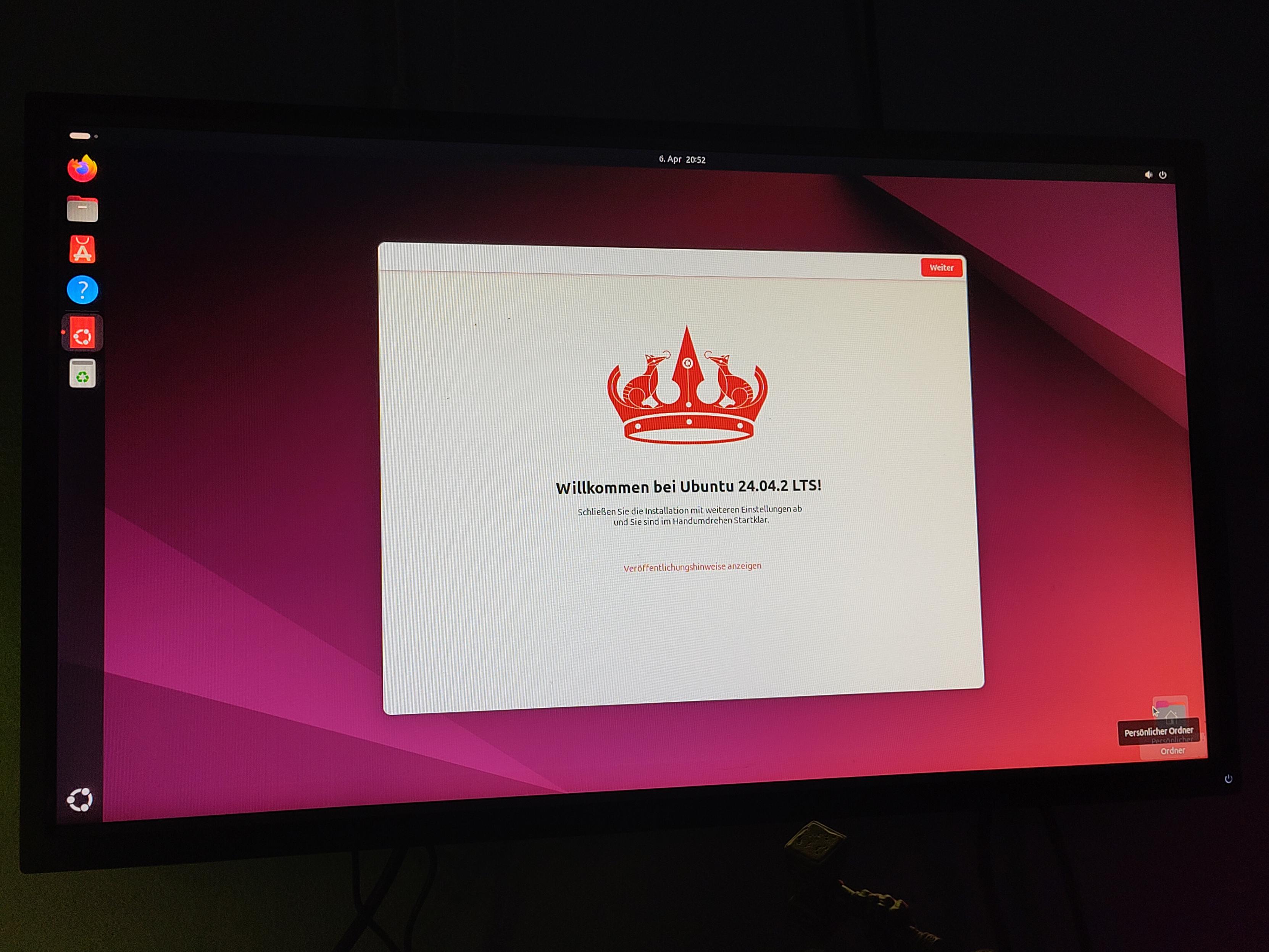
Mein Urlaub verläuft bislang sehr produktiv, bin wahnsinnig glücklich. Jetzt erstmal Linux Ubuntu auf einem alten PC installiert, um damit zu üben und auszuprobieren, bevor ich mich wirklich an meinen Gaming PC wage. Bin überrascht wie gut und einfach das funktioniert hat. Morgen installiere ich die nächsten Programme, wenn ich endlich ins Internet komme, es wollte nicht auf den ersten Versuch.

@dom @thweyrich @_DigitalWriter_
Kann das als Nicht-Nerd voll bestätigen:
#LinuxUbuntu ist fein, mir fehlt nichts, hatte keinerlei Anwendungs- oder Anpassungsschwierigkeiten...
Bin seltener genervt als bei MS früher 😃 .
#OS #Linux #QuitMS #LibreOffice 💚

How to Install RQuickShare (NearbyShare/QuickShare) on Linux
#Linux #SysAdmin #LinuxUbuntu #FOSS #Android
https://linuxtldr.com/install-rquickshare-on-linux/


This version of Ubuntu started the development with one of the most significant changes ever done. This time, it’s about compiler optimization level used on Ubuntu packages by default. When this version of Ubuntu had started its development, the mailing list entry said the following:
* perl 5.40 and haskell / ghc 9.6.6 already migrated to the releasepocket, to avoid entanglement with other transitions.* dpkg-buildflags defaults to -O3 instead of -O2. This might require changes in package builds. Please be aware that we already build with -O3 on ppc64el, so look for possible packaging adjustments.While the Perl one is irrelevant in this blog post, the second entry in the toolchain changes is interesting. The default build flags for all Ubuntu packages that are determined by dpkg-buildflags have been changed so that -O3 is being used as a default instead of -O2.
This means that all future builds for all Plucky Puffin packages will be more optimized. Because of this, the build times will increase, but that doesn’t affect the end user. As a result, the packages that are built with the third optimization level will be faster than before, which means that your computer will be faster the second you upgrade to 25.04.
However, the binary size for the packages will be bigger, and there is uncertainty whether all packages benefit from this level of optimization that will be applied to all the packages. Furthermore, all builds and tests will be run, so expect delays. After that, when you test 25.04 during the development cycle, you should experience performance improvements.
On a side note, Perl 5.40 was released to Ubuntu 25.04, which brings several new features, new analyzers, and breaking changes, such as the :reader attribute for field variables, the breaking changes related to use VERSION declarations, the Infinity (inf) and Not-a-Number (nan) constants in builtin static class (module), the medium-precedence Logical XOR ^^ operator, the try...catch...finally block being a stable Perl feature, and stable support for multiple value iterations for the for loop.
Let’s see what Ubuntu 25.04 Plucky Puffin will offer as the next LTS, 26.04 RR, gets closer to the development period.
#O2 #O3 #2504 #Acceleration #C #C_ #Computer #computers #GCC #GCCCompiler #improvements #Linux #LinuxUbuntu #news #Optimization #performance #Plucky #PluckyPuffin #speed #Tech #technology #Ubuntu #Ubuntu2504 #Ubuntu2504Plucky #Ubuntu2504PluckyPuffin #Ubuntu2504Puffin #UbuntuLinux #ubuntulinux #update


Hoje comecei um projeto para compartilhar meu uso do #moodle à partir de uma máquina virtual com #linuxubuntu. Passo a passo para que acompanhem.
https://www.youtube.com/playlist?list=PLaP4j61_shmAnmz2Z-mAM3l1uOFxbIi5p

How to Install and Use DevToys on Ubuntu 24.04 & Ubuntu 23.04
#Linux #Ubuntu #LinuxUbuntu #Programmer #Coder
https://ubuntushell.com/install-devtoys-on-ubuntu/

How to Disable Unattended-Upgrades on Ubuntu 24.04
#Linux #Ubuntu #LinuxUbuntu #Kubuntu #Debian #LinuxMint
https://ubuntushell.com/disable-unattended-upgrades-in-ubuntu/

How to Install Google Earth on Ubuntu and Other Distros
#Linux #Google #Ubuntu #LinuxUbuntu
https://ubuntushell.com/install-google-earth-on-ubuntu/

How to Install MariaDB on Ubuntu 24.04: A Step-By-Step Guide
#Linux #LinuxUbuntu #Database #MariaDB #Programming
https://ubuntushell.com/install-mariadb-on-ubuntu/

How to Install GCC on Ubuntu 24.04: A Step-By-Step Guide
#Programming #Coding #Ubuntu #LinuxUbuntu #GCC #C
https://ubuntushell.com/install-gcc-on-ubuntu/

Download YouTube Videos on Linux from CLI Using yt-dlp
#Linux #CLITools #Ubuntu #LinuxUbuntu #InfoSec #IT #Tech
https://ubuntushell.com/download-youtube-video/

How to Encrypt Your Home Folder in Ubuntu 24.04 or 23.04
#Linux #Ubuntu #LinuxUbuntu #Debian #Security #Privacy
https://ubuntushell.com/encrypt-home-folder-in-ubuntu/

How to Start RDP Server on Ubuntu and Other Linux Distros
#Linux #Ubuntu #RDP #Server #SysAdmin #LinuxUbuntu
https://ubuntushell.com/install-remmina/

[Fixed] An Unexpected Error Occurred on Gnome Extensions
#Linux #Ubuntu #GNOME #LinuxUbuntu #Mint #LinuxTips
https://ubuntushell.com/unexpected-error-on-gnome-extensions/

Counting Number of Files and Directories in a Specific Directory
#Linux #ShellTips #LinuxTips #CLI #LinuxUbuntu
https://ubuntushell.com/counting-number-of-files-and-directories-in-a-specific-directory/

How to Center Application Windows in Ubuntu
#Ubuntu #Linux #GNOME #Debian #LinuxUbuntu
https://ubuntushell.com/make-applications-start-at-center/

How to Install LosslessCut on Ubuntu and Other Linux Distros
#Linux #Ubuntu #LinuxUbuntu #LosslessCut #FFmpeg #CLITools
https://ubuntushell.com/install-losslesscut/
Client Info
Server: https://mastodon.social
Version: 2025.07
Repository: https://github.com/cyevgeniy/lmst