2 - Tentativa n.2: Vale a pena tentar. É bom demais.
https://peertube.linuxrocks.online/videos/watch/1826eb74-303c-4c6b-88d0-63b5137bf2f4
2 - Tentativa n.2: Vale a pena tentar. É bom demais.
https://peertube.linuxrocks.online/videos/watch/1826eb74-303c-4c6b-88d0-63b5137bf2f4
1 - NOVO DESAFIO - JOGO VELHO
https://peertube.linuxrocks.online/videos/watch/e41dc9b8-d55f-4700-985f-584984a2f1cf
[2 Indie Games n.24]
https://peertube.linuxrocks.online/videos/watch/39dfdd4b-c99e-454b-b508-58265ea8fa1e
¡Gracias a Ubunlog por destacarnos! 🙏
https://ubunlog.com/hypersomnia/
#IndieGame #Gamedev #IndieDev #PixelArt #LinuxGames #Spanish

Because apparently I'm not a very logical person, I decided to try out #ZorinOS. Here's how it's going:
I installed it as a dual-boot together with a #Win10 install. It worked!
Unfortunately internet wasn't working on it, it seems that my WiFi card wasn't recognised. According to the online gods I needed to connect via Ethernet to try and download the WiFi drivers that way. After buying an Ethernet cable I did that and it worked!
Now I'm trying to see if I can play some games on it. I followed the Zorin instructions for this and managed to install Steam (had to use command line once). I've downloaded #TombRaider4 and tried to start it. It didn't work. Then I checked which games were actually Linux-compatible and installed #Left4Dead (2) . I'm going to try it out now...
Do you think it will work??

Are you ready for another week of the Iron Sysadmin Open Source News Recap? Because here it is!
#OpenSource #linux #technews #news #FOSS #gaming #gamingonlinux #linuxgames #makelinuxcute

On #Debian 13 #Trixie Problem:
vitex@krax:~/.local/share/Steam/steamapps/common/Rise of the Tomb Raider$ ./RiseOfTheTombRaider.sh
=== ERROR - You're missing vital libraries to run Rise of the Tomb Raider
=== Either use the steam runtime or install these using your package manager libgconf-2.so.4 => not found
=== /home/vitex/.local/share/Steam/steamapps/common/Rise of the Tomb Raider/bin/RiseOfTheTombRaider: error while loading shared libraries: libgconf-2.so.4: cannot open shared object file: No such file or directory
Solution:
cat /etc/apt/sources.list.d/vitexsoftware.sources
Types: deb
URIs: https://repo.vitexsoftware.com/
Suites: trixie
Components: backports
Signed-By: /usr/share/keyrings/multiflexi-archive-keyring.gpg
-----------
sudo apt update
sudo apt install libgconf
-----------
#IloveLara #TombRaider #FeralInteractive #LinuxGames #Backports #GConf #Steam

Gerard McAuley (Feral Interactive)
Aug 6, 2025, 16:31 GMT+1
Hi,
From the information provided we can see that you are using an unsupported operating system. It is possible that we will not be able to resolve the issue, however we have some suggestions that may help.
We first suggest changing your window manager to GNOME to see if that helps, as this is the default window manager in the supported Ubuntu distro.
You can also try deleting the Preferences file. This is located in the following file path:
~/.local/share/feral-interactive/Shadow of the Tomb Raider
Once in the location, drag the file named Preferences to your Trash, then launch Steam and then the game. A new Preferences file will be created on the relaunch, which will be the default settings for the game. This may clear the issue that you are seeing.
The only other suggestion we can make is to run the game on the fully tested and supported #Linux distro, Ubuntu LTS. If that is not possible, we can only recommend that you try running the game using Proton.
Please let us know how this goes.
Best regards,
Gerard McAuley
Feral Interactive Support
http://support.feralinteractive.com

That kernel has more sense than me ...
When 32GB isn't enough, it only means one thing: I should do something sensible.
Shadow of #TombRaider #Linux version with #Vulcan rendering consume all memory ?!?


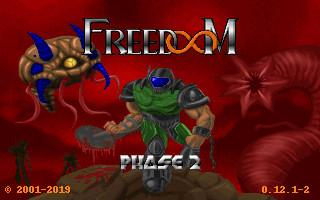
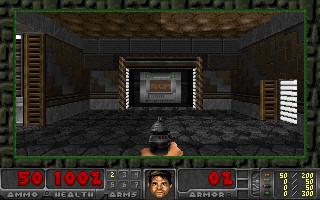
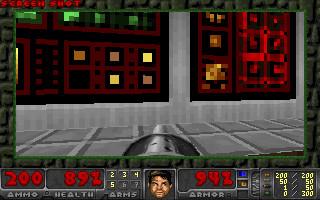
Acer Extensa – FreeDoom phase 2! I am at the second phase!
https://dimalinkeng.blogspot.com/2025/07/acer-extensa-freedoom-phase-2-i-am-at.html
#freedoom #linux #q4os #linuxgames #retrogame #pcgames #doom #chocolatedoom #phase2 #fps #shooter #pixels #boomershooter #monsters #labyrinths #levels #msdos #newgraphics #mod #newdoomgame #sourceport #linuxport #gamer #weekend #secondphase
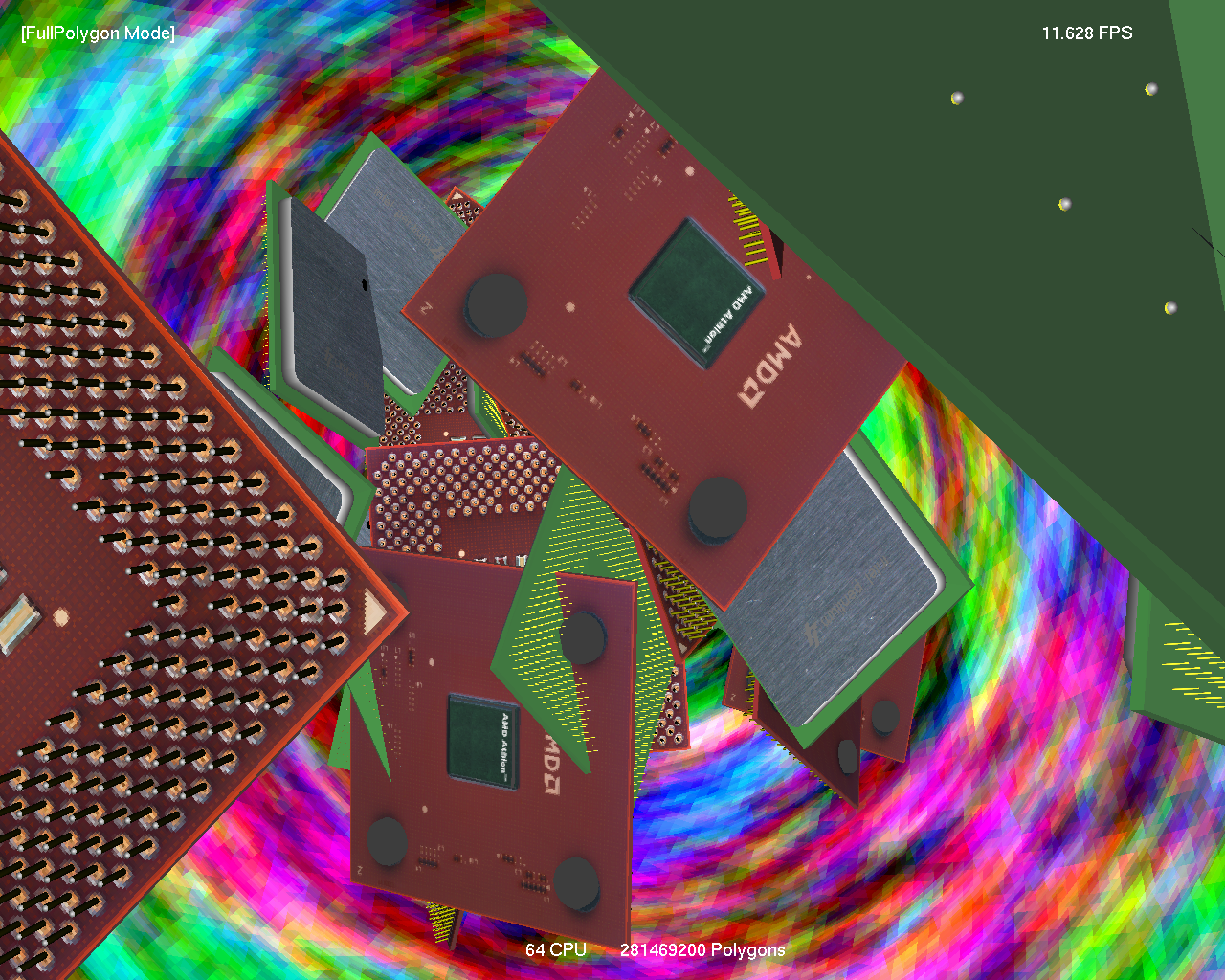
Steinzeit Windows-Benchmarktools unter Linux mit WINE getestet:
https://www.christopherstark.de/seite-2/steinzeit-benchmarks-unter-wine/
#linux #wine #linuxgames #benchmarks #cpu #prozessor #windows #computer #it #software #hardware #amd #intel #opensource #emulator
https://github.com/Vitexus/steam-session
## About Steam Session Debian package
Steam Session provides a minimal Linux desktop session that launches Steam directly in Big Picture mode, without starting unnecessary background services or desktop environments. This creates a streamlined, console-like experience ideal for gaming setups and dedicated machines.
## Get Involved
We welcome contributors and beta testers!
If you have suggestions, want to report issues, or are interested in helping test new features, your feedback and collaboration are highly valued.
Join us to help improve Steam Session for for every #Debian & #Ubuntu #Gamer #LinuxGames #Steam #SDDM #KDM #GDM #xsession
Releasing this week: Maze Mice is a bullet heaven arcade-style roguelite coming to Steam on May 2 (it works great on Linux, that's where I tested the Steam demo) and hopefully it'll eventually come to other consoles too. This one's fun as hell, easy to pick up, figure out, and go. It's kinda like reverse Pac-Man mixed with Vampire Survivors. Wild. Addictive. Just a blast. 🐁🐀
Steam link: https://store.steampowered.com/app/3385370/Maze_Mice/?curator_clanid=4218320
#IndieGames #BulletHeaven #MazeMice #roguelite #roguelites #Steam #SteamGames #LinuxGames #SteamDeck #arcade


#0AD :0ad:
https://play0ad.com/new-release-0-a-d-alpha-27-agni/
And as usual, I play for the Sumerians. May Lords #Enki & #Marduk , with his wisdom, ensure our victory!

Is Windows Gaming Over? Valve's SteamOS is Ready to Take Over! 🌐🎮
#SteamOS #GamingFuture #PCGaming #LinuxGames #MicrosoftChallenge #GameOn #TechRevolution

Valve’s Steam Link on Raspberry Pi
#raspberrypi #raspberrypi5_8gb #raspberrypiOS
https://www.raspberrypi.com/news/valves-steam-link-on-raspberry-pi/