
Intel Beast Canyon NUC Review: Good* Engineering, Questionable Value
#IntelNuc
HW News - AMD Multi-Chip GPU, More 3D V-Cache, Xbox Gets Super Resolution, Noctua Passive Cooler
Intel's Impressive Pre-Built Mini-PC: Review & Tear-Down of Phantom Canyon NUC

Người dùng đặt câu hỏi liệu có thể lưu file Docker Compose trực tiếp trên NAS không. Chia sẻ kinh nghiệm, họ đã chuyển các Docker container từ Unraid (gặp vấn đề) sang Intel NUC, dùng Unraid làm kho lưu trữ dữ liệu qua NFS. Kết quả là hệ thống ổn định và họ rất hài lòng với thay đổi này.
#Docker #DockerCompose #NAS #SelfHosted #IntelNUC #Unraid #NFS #TechTips #IT
#Đocker #MáyChủCáNhân #LưuTrữMạng #MạngMáyTính #CôngNghệ
https://www.reddit.com/r/selfhosted/comments/1q45c4a/docker_compose_files_o

Thử nghiệm NAS mini với Intel NUC 7, RAM 32Gb và SSD 4TB cho Jellyfin server #NAS #Jellyfin #Truenas #IntelNUC #Server #LưuTrữ #Selfhosted #MáyChủ #LưuTrữPhim
https://www.reddit.com/r/selfhosted/comments/1p1fqly/attempt_at_mini_nas/
The #rpi4b was freed up by moving everything it was doing to an #IntelNUC so we'll see how this goes. I might go for another NUC to run the various self-hosted services, and later convert the #raspberrypi to a #kodi endpoint

Intel NUC i5 8th generation 8gb ram and 256 drive
Looking for ideas for what to do with these - I already put Linux Mint 22.1 on them - but beyond that I'm not sure what to do with them.

Went to a in person auction a couple of weeks ago - didn't get much - but what I did get was probably the best deal of the day.
Picked up 4 Intel NUC i5 8th generation computers.
These were in a box under a bunch of wires and miscellaneous parts from a video conference system, not at all complete.
Unfortunatly I didn't get power supplies with them. But I only paid $15.00 bucks for the box..... See I told you probably the best deal of the day.
8gb Ram, and 256gb drive

Migration from #homeassistantcore and #pihole on an #RPi4 to an #IntelNuc is done. Gone #containerised for the move. Main motivations were #performance and #homeassistant deprecating everything except the #haos and #containerised versions.
Fairly straightforward to be honest, but just need to think about the user/permissions assumptions around the containers

I may be a big fan of using Mini PCs like the Intel (now Asus) NUC for Homelab use, but are those cheap Mini PCs from small brands on Amazon really all that worth it? Maybe not, but all depends.
https://amausaan.tokyo/the-problems-with-cheap-mini-pcs/
#minipc #beelink #minisforum #intelnuc
(Copy and paste the above URL into the search field on your home server to comment through the Fediverse)

The Problems with Cheap Mini PCs
That is a lot of broken mini PCs you have there, Nagi.In July, I began overhauling my home lab, anticipating the possibility of my job transitioning from VMWare to Nutanix. Thankfully, Nutanix has a community edition to play around with in a home lab environment. As a result, I needed to get some more mini PCs. I eventually bought two Minisforum A1s to create two of the three nodes needed (the last node is virtualized on the Ryzen 9 5900 X ESXi box, which only hosts Prism Central).
So why use a Mini PC? The main advantages of using them over a whole desktop or rack of servers are that they take up less space and use less energy. Advancements in mobile CPUs make them viable not only for use in a server, but also as a replacement for a whole desktop. These reasons make them popular in home lab setups. Since I live in a townhome, there isn’t much space for a dedicated gaming setup, so a mini PC is the way to go.
The current home lab setup (partial) consisting of a Unifi UDM Pro, two Minisforum A1s, and an Intel NUC 10.Of course, I took parts from a Minisforum NPB6, which was running ESXi, but the RAM and SSD went to a second Minisforum A1, meaning I have a Mini PC I was not using. I considered turning it into a gaming PC, given I have a Radeon RX 7900 XTX that I might use for some projects. The plan is to use an OCULink GPU dock to get better performance out of the GPU. It will be about 5-10% slower compared to being in a full x16 PCIe slot. OCULink is essentially an external PCIe x4 connection that is faster than Thunderbolt 3 and 4, provided it’s PCIe 4.0, but it’s not hot-swappable.
The first iteration of a gaming Mini PC with an external GPU.After ordering new RAM, an SSD, a USB4 SSD enclosure, and an OcuLink GPU dock, I put them together. However, I encountered a few issues because Windows 11 Enterprise LTSC wouldn’t boot from the USB4 port, which offers faster speeds. As a result, I had to use the USB 3 port, which is slightly slower. That is okay, until the instability kicks in. It was unstable, freezing when in a game. I, of course, left it on overnight, and when I remote into it, it comes up with a black screen. The GPU wasn’t working again.
I eventually gave up on the Minisforum and went to something that I can trust: an Intel NUC, or rather an Asus one. I have prior experience with NUCs, as they are reliable machines. My parents bought one for use in the living room that I set up as a cable box replacement with the use of an HD Homerun Prime, which was in service until 2018. The second one, bought in June of 2020 from Microcenter, is a NUC 10 Core i7 Performance model, which was the first real home lab server I bought for VMWare ESXi. It still runs to this day and has been running 24/7 for over 5 years.
However, when I wanted to add another Intel mini PC, I found that NUCs are expensive, and Intel has announced that they are no longer making them (Asus now makes them). I chose a Minisforum Venus NPB6 because it offers USB4 and a fast Intel CPU, which is necessary for live migration. However, the flaws became apparent when I made it into a gaming/workstation for Windows-only apps. Well, the first is the instability, which I couldn’t figure out. Also, these models have a lot of complaints of being unreliable.
The problem with most cheap mini PCs from Minisforum, Beelink, Geekom, etc., is that they often lack quality and have poor support. The companies that sell them are Chinese companies, and to get any service, you would have to send them back on your dime and wait a long time to get it fixed. There is also controversy about having to pay a depreciation fee just to get a replacement, at least from Minisforum, which is anti-consumer. Also, they do not stand behind their products, which is a recurring theme not only in the Chinese mini PC space, but also in gaming handhelds. These issues arise from questionable design choices and inadequate quality control, particularly when compared to larger companies like Lenovo, a Chinese company that typically experiences fewer issues and offers customer support across multiple countries.
That said, should you avoid buying them? Well, you have to do your research and figure out if it’s worth the risk to have the extra features that mainstream models don’t have. If you’re looking for a reliable product with good customer service, consider buying from a well-known brand like Apple, Asus, Asrock, Gigabyte, HP, Dell, or Lenovo. That is what I ultimately did as I bought a NUC 14 Pro Tall with an Intel Core Ultra 155h from Microcenter. It performed better than the Minisforum and didn’t crash after an hour of use with an Oculink eGPU. Also, having two NVMe slots means I don’t have to use an external SSD to boot.
While it costs a bit more, at least Asus stands behind its products. Sure, there have been controversies with getting repairs done under warranty, but at least you won’t get ghosted or have to pay for shipping and fees to get your item repaired.
That said, while the mini PCs coming from smaller Chinese companies may look cool, one has to consider the risks and tradeoffs. If you need something more reliable for critical workloads or something of better quality, consider getting a used mini/micro/tiny PC from HP/Dell/Lenovo, or opting for a NUC or NUC-like option from Asus, Asrock, Gigabyte, or MSI. Alternatively, you can just buy a Mac mini or a Mac Studio.
#Beelink #IntelNuc #miniPcs #Minisforum #opinion #personalExperiences


I've got a sophisticated home automation setup I'd say. And I’ve been a fan of the Raspberry Pi (and ARM SoCs) from day 0 until now.
However I've had some annoying and bold issues when it comes to NVMe support/long time usage and if you're looking to run Home Assistant (or anything else) I'd rather recommend a NUC compatible box.
Price-wise it'll be in a similar range but with a lot more stability and a bigger bang.
HMU if you wan to hear more.



I'm thinking of retiring my 10-year-old 6th gen Intel NUC as a mini headless PC since it's getting too old and switching to a Mac Mini. Even the base model should be more than enough. I'll be running Docker containers and hosting my internal network and streaming apps on it.
Anyone using a setup like this? How’s your experience?

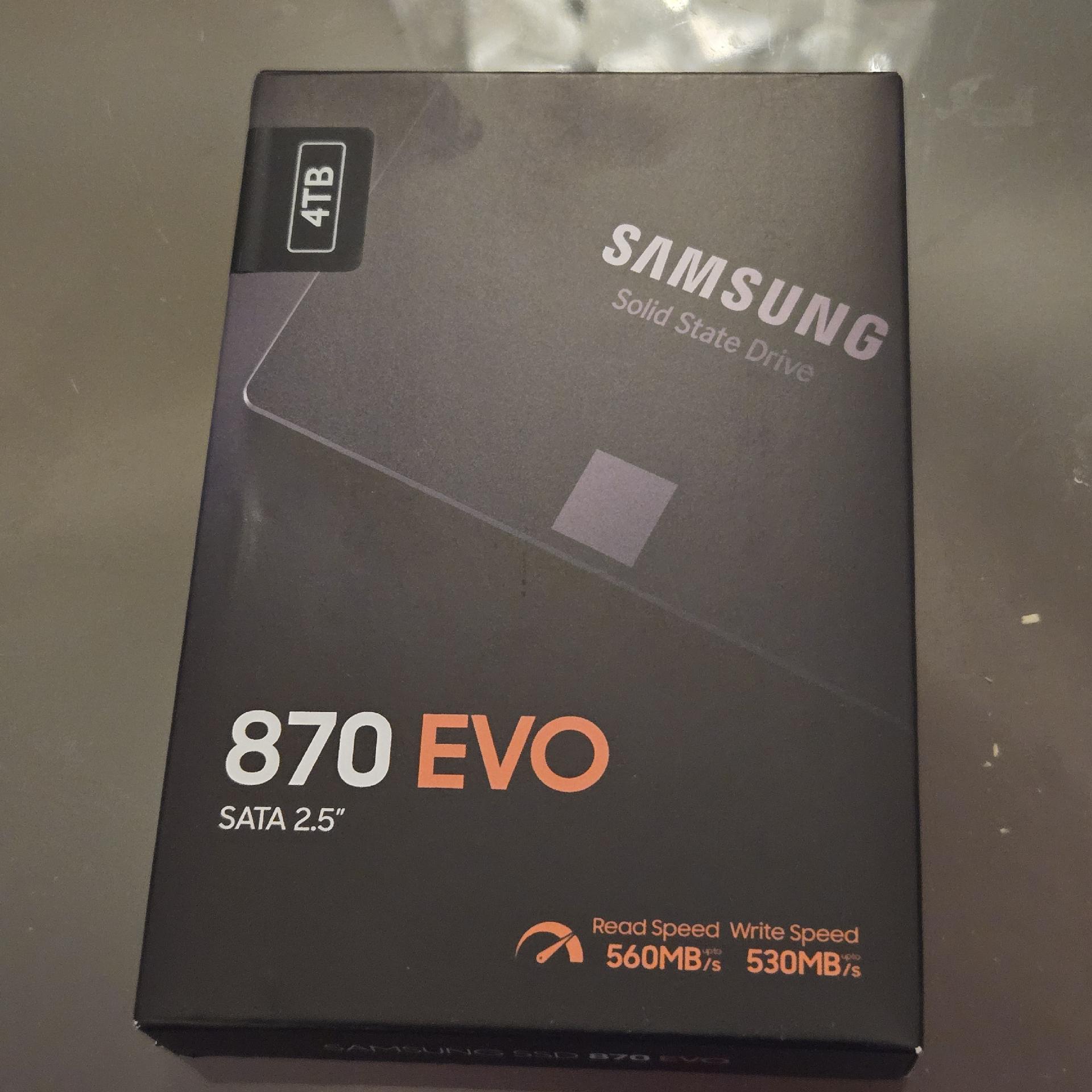
My new SSD just arrived for my Intel NUC setup—time to give this mini beast a serious speed boost! 🚀💾

[ It's decided, OPNsense is currently installing over pfSense! ]
So my Intel N100 quad core with 16Gb ram and a 256GB NVME drive and 4 x 2.5Gb ethernet ports has arrived with pfSense preinstalled but I'm thinking I'd be better off with #OPNsense installed instead?
Am I right as this is going to be my main router / firewall ? Feel free to comment and thank you.
No I'm not using #OpenWRT anymore sorry.
#FreeBSD #IntelNUC #RunBSD
So my Intel N100 quad core with 16Gb ram and a 256GB NVME drive and 4 x 2.5Gb ethernet ports has arrived with pfSense preinstalled but I'm thinking I'd be better off with #OPNsense installed instead?
Am I right as this is going to be my main router / firewall ? Feel free to comment and thank you.
No I'm not using #OpenWRT anymore sorry.
#FreeBSD #IntelNUC #RunBSD

OTB's Linux Ramble Ep. 5
https://eggflix.foolbazar.eu/videos/watch/b3abbfef-c33c-413e-bbcf-7a0a91c21f6e
Setting up OBS Studio on Linux - The Basics!
https://eggflix.foolbazar.eu/videos/watch/175238aa-37c3-4342-bd02-e1fe5c837c17
Client Info
Server: https://mastodon.social
Version: 2025.07
Repository: https://github.com/cyevgeniy/lmst