
Kira’s Auto Crop provides balanced, intentional composition with a single tap.
A subtle but effective improvement for almost any photo. ✨
#Photography #KiraArt #EditingTools
#EditingTools


Discover how govideomaker.com empowers creators with robust editing tools, easy audio integration, and no-watermark exports for stunning videos.
#govideomaker #videos #editingtools #audio
https://masonq.com/2025/07/05/top-features-of-govideomaker-for-video-creators/
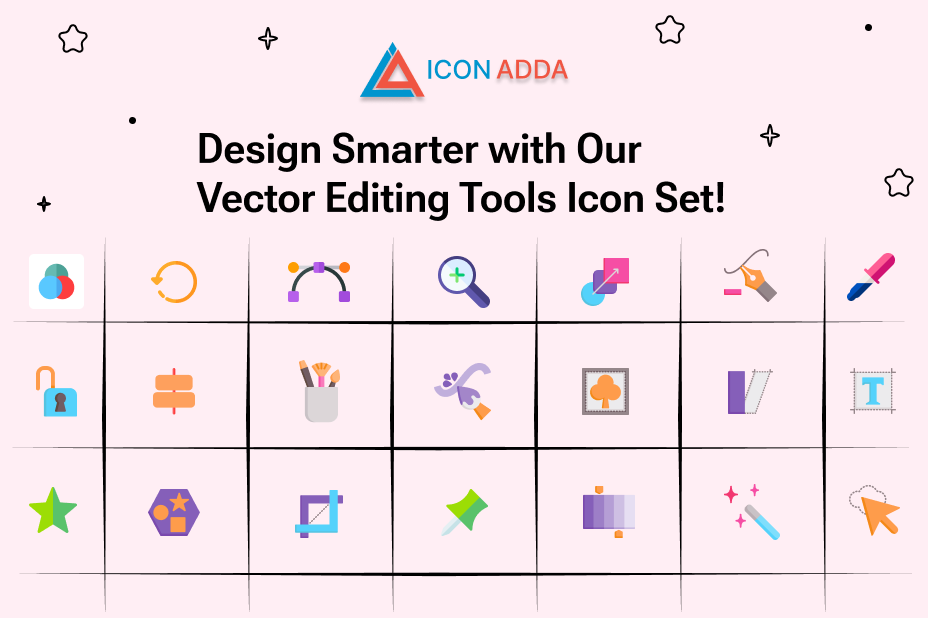
The Best Free Editing Tools Icons for Designers ~ICONADDA
#VectorIcons #EditingTools #DesignEssentials #VectorArt #FlatIcons #CreativeTools #GraphicDesign #IconSet #DigitalIllustration #EditLikeAPro #DesignTools #VectorGraphics #UIUXIcons #IllustrationPack #ModernIcons
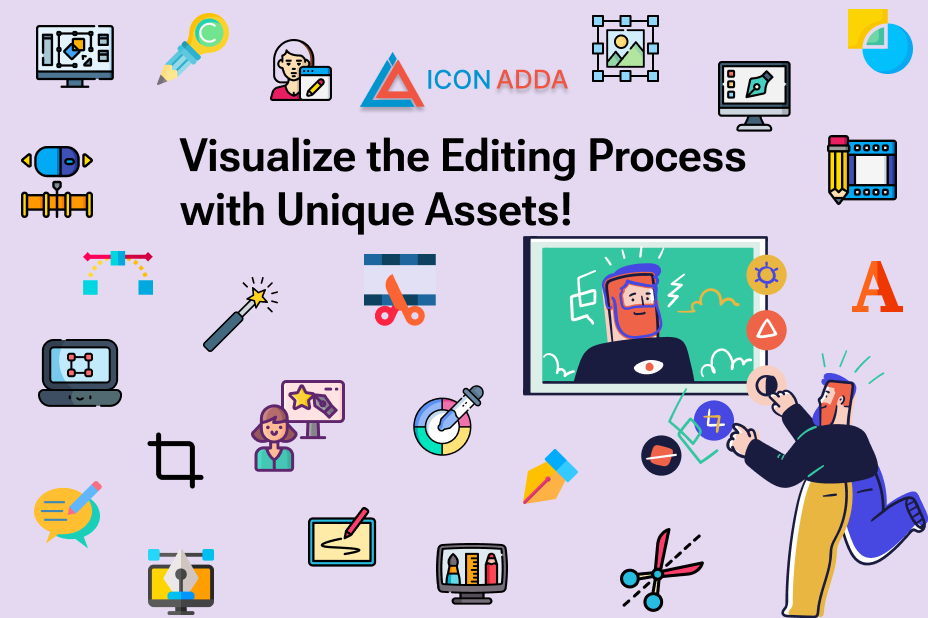
Be innovative with Iconadda’s free editing stickers , illustrations and icons
#EditorIcons #EditingIllustrations #CreativeEditing #DesignIcons #GraphicEditor #IllustrationPack #DigitalEditing #EditingTools #VectorIcons #DesignAssets #MinimalIcons #FlatIcons #UIUXIcons #ArtisticIllustrations #ModernDesign

I've #edited the #EditingTools page of the #CopyeditorsKnowledgeBase, #updating all entries re @chicagomanual.bsky.social & adding an entry for the 2nd edition of Elements of #Indigenous #Style. https://www.kokedit.com/ckb_4.php #CKB

Fotor Studio, a free online photo editor, is perfect for beginners, helping you achieve high visual aesthetics with ease! Learn how to use Fotor Studio to edit photos easily. Read more http://surl.li/qyrjxa
#photoediting #images #service #editingtools #Graphicsdesign


@jamesmarshall @Em0nM4stodon The Lightroom section is missing Photomator as a suggestion. I've been using it for more than a year and am quite fond of it. #Photomator #Lightroom #PhotoEditing #Photography #AppRecommendation #EditingTools

Google Photos To Make AI Editing Tools Available To All Users For Free #ai #airobotics #androidphones #editingtools #generativeai #google #googlephotos #magiceditor #magiceraser #mobilephones
https://www.lowyat.net/2024/320213/google-photos-ai-editing-tools/
What is the Best Mac for Video Editing?
Check out this guide to compare the latest models and find what suits your needs.
It breaks down the specs, performance, and cost of each model to aid your decision.
🔗 https://josephnilo.com/blog/best-mac-for-video-editing/
#VideoEditing #MacModels #AppleTechnology #CreativeProfessionals #EditingTools
for those who are experts using #GIMP what are your top tricks/tips to get the most out of the tool??...

Every editor should know https://de.editingtools.io
-> eg music cue sheets in split seconds. #editing #resolve #premiere #editingtools
Folks who post Shorts/Reels/Tik Toks/other short form videos - what do you use to edit the video together?
[ #video #editingtools #shortformvideo ]

Adobe and Capture One Show the Different Ways to Leverage the Cloud
#features #software #adobe #adobecreativecloud #adobelightroom #adobephotoshop #captureone #captureonelive #cloud #cloudcomputing #cloudstorage #editing #editingtools #lightroom #strategy
Picsart is Making its Editing Tools Available Through an API
#mobile #news #software #technology #api #developers #editing #editingtools #photoediting #picsart #picsartfordevelopers
Colorcinch is a Surprisingly Powerful Browser-Based Photo Editor
Colorcinch brings essential editing tools, effects, and overlays into a beginner-friendly and web-based photo editor that is surprisingly robust.
Formerly known as Cartoonize, Colorcinch is an "all-in-one creative platform," which, as the company claims, is a tool that requires no post-processing experience to achieve creative results and is "so simple, a toddler could use it."
The simplicity of this photo editor is that you are not required to download a stand-alone software and can start editing straight away in your web browser by dragging and dropping a selected image you want to work on.
This, however, means that the performance and speed of your editing will be heavily reliant on your internet connection, especially when performing more complex tasks. Equally, should your browser crash before you saved the final image on your device, you will be left to redo your edit from scratch.
Colorcinch has both free and paid tools and options and the paid tools require a subscription of $4 if paid annually or $6 as a monthly pay-as-you-go plan. Any features unavailable for free users are highlighted with a diamond icon.
In its Basics section, Colorcinch offers essential adjustments, such as correcting your composition with cropping, resizing, straightening, and rotating. The interface is user-friendly and simple to navigate.
Users can also adjust the exposure, with brightness, contrast, highlights, and shadows tools, as well as color and vibrance by altering hue, saturation, temperature, and tint. Clarity, blur, and sharpness controls are also available.
Filters -- similar to presets in Lightroom or Luminar AI -- give a selection of one-click editing options. All filters are arranged in sub-categories, such as Vintage, Glitch, Distortion, Matte, Black and White, and many others. Filters have an opacity slider to adjust their strength.
Distortion Filter 02 Glitch Filter 008
In addition to the more simplistic tools that we can find in the majority of editing apps today, Colorcinch also utilizes the power of AI in its Effects section to bring something different to its users. With one click, you can apply different effects that otherwise would have required prior knowledge in more complex editing platforms to achieve. Effects include Sketcher, Digital Art, Cartoonizer, and Painting.
As per the first example below, the Digital Art effect instantly turns a photographic image into what appears to be a digitally drawn portrait. It takes only a click to achieve this result, however, the customization within the effect is minimal and as such, it cannot replace an experienced digital artists' skillset.
Digital Art Effect FX012
When effects are applied, users can adjust the opacity of the effect, and additional minor changes within each effect, such as hue. Any adjustments made are instantly visible on the edit, although the initial application of the effect takes a moment for the website to process.
Cartoonizer Effect IC227 Sketcher Effect IC034 Painting Effect ICO50
In the Overlays section, you will find a choice of overlays -- such as Light Leaks and Sun Flare, and Haze -- which bear many similarities to Analog Efex Pro. While Colorcinch has several blend modes, the overlays cannot be manually moved around the image like they can with Analog Efex Pro. Other options include Fog, Falling Snow, Floating Dust, Lights, and more. As with all effects, overlays can also have their opacity altered.
Overlay Bokeh 001
For more design-orientated tasks, you can use Masks, which, as the name suggests, mask out a portion of your image in the chosen shape, and are often used to create social media graphics. You can also add and customize text, frames, graphics, vectors, and even additional images, including stock images, on top of your original file. A free-hand drawing tool is also available
It should be noted that free users have access to at least one option of each Effects category while in the Filters, Overlays, Masks, Graphics, and Frames sections several free options are available for users without a subscription, with the exception of Duotone and HDR which are subscription-only.
When the edit is finished, it can be saved directly to the user's computer or, if you are a subscribed user, you can register and save it as a project to revisit at a later date.
The photo editor is accessible on the Colorcinch website here.
#news #postprocessing #software #cartoonize #colorcinch #design #designtools #editing #editingsoftware #editingtools #freesoftware #overlays
Client Info
Server: https://mastodon.social
Version: 2025.07
Repository: https://github.com/cyevgeniy/lmst