
⚙️ SSD-Powered #cPanel Web #Hosting – Up to 25x Faster
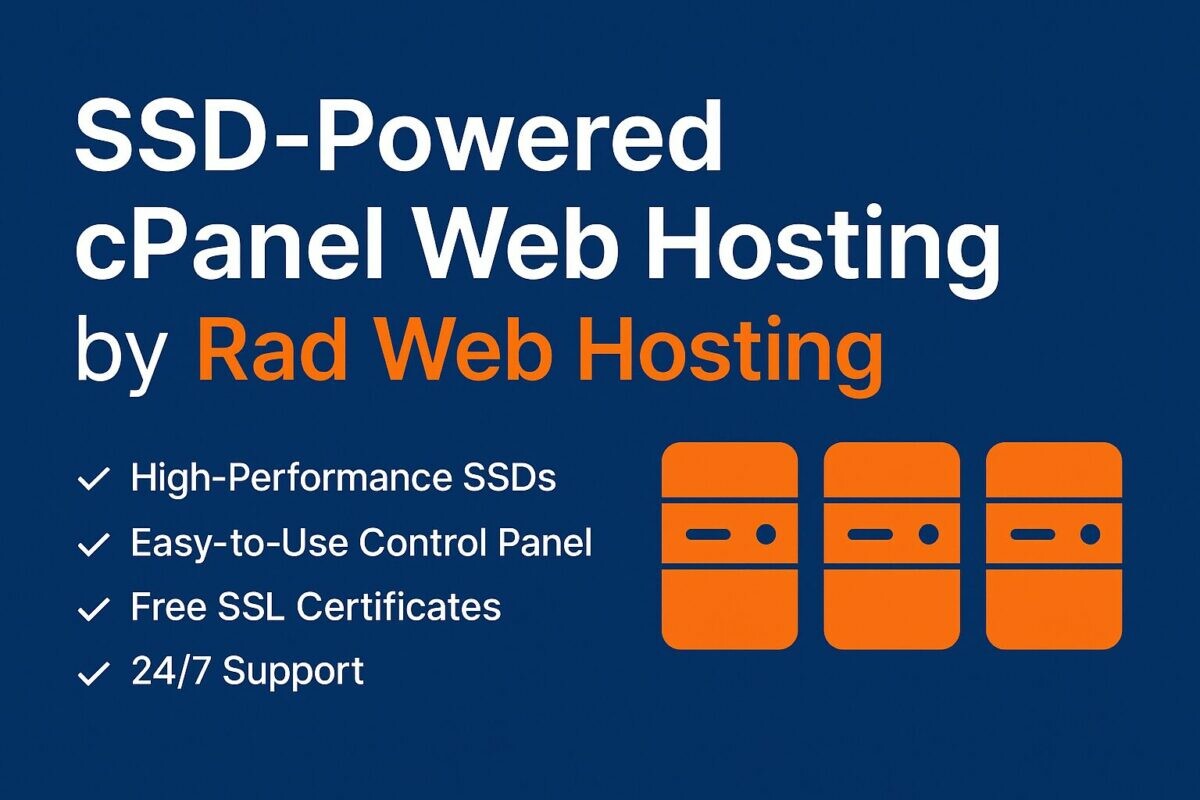
⚙️ SSD-Powered cPanel Web Hosting by Rad Web Hosting
Built for Performance. Backed by Reliability. Ready to Scale.
Developers, sysadmins, and power users—we built this for you. Our SSD-powered ...
Continued 👉 https://blog.radwebhosting.com/ssd-powered-cpanel-web-hosting-up-to-25x-faster/?utm_source=mastodon&utm_medium=social&utm_campaign=mastodon.social #joomla #wpcli #gitversioncontrol #webdisk #postgresql #letsencrypt #webhosting #csf #sshaccess #litespeed #softaculous #ftp #cloudlinux #mariadb #phppgadmin #modsecurity #phpmyadmin #laravel
#wpcli


If you want a /slightly/ extended version of this - I've also blogged it at https://www.phpscaling.com/post/2026-01-20-wp-cli-update-not-found/ #wordpress #wpcli
That's one (slightly annoying) problem solved so far today - I've managed to upgrade the #WordPress version and plugins on https://abulman.co.uk/ after a couple of attempts.
I use WP-CLI to do it all from the command line, but it had been reporting that everything was already up to date - even though the dashboard was lit up like an Xmas tree with new version notifications.
Initially, I forced a version update with `wp core update --version=6.9 --force`, but wanted to find the general solution. Searching found a couple of posts saying that security or caching plugins could be the issue, so I ended up making a quick edit in the W3TC drop-in plugin file at `wp-content/object-cache.php`, just adding a `return;` at the top so it wasn't used. That solved it, and I could upgrade all the themes and plugins, before removing the line again.
As that WordPress site is the only thing I've got on the server, I'll take another look around for a good looking theme for Hugo to replace it with a Github pages version and setup all the redirects in LuaDNS to send them there. Or maybe I can just add some things to my Github front-page at https://github.com/alister instead?

⚙️ SSD-Powered #cPanel Web #Hosting – Up to 25x Faster
⚙️ SSD-Powered cPanel Web Hosting by Rad Web Hosting
Built for Performance. Backed by Reliability. Ready to Scale.
Developers, sysadmins, and power users—we built this for you. Our SSD-powered ...
Continued 👉 https://blog.radwebhosting.com/ssd-powered-cpanel-web-hosting-up-to-25x-faster/?utm_source=mastodon&utm_medium=social&utm_campaign=mastodon.raddemo.host #sshaccess #csf #laravel #litespeed #webhosting #gitversioncontrol #mariadb #wpcli #postgresql #joomla #modsecurity #softaculous #phpmyadmin #webdisk #cloudlinux #phppgadmin #letsencrypt #ftp


Using WP-CLI to Delete Posts Containing a Specific Metadata Value
I was doing some maintenance on a WordPress site for a client, and for very specific reasons, I had to use non-interactive WP-CLI commands to do anything on this site.
What I wanted to do
Delete all pages that contained a custom postmeta key and value.
For the sake of this example, I wanted to delete:
- Post Type: Only “page” types
- Containing the “_mykey” custom meta key with the value “value1”
Solution
Verify the posts that are going to be deleted first
It’s always advisable to double check what you’re going to delete first. The “measure twice, cut once” one database management.
wp post list --meta_key="_mykey" --fields="ID" --format=ids --post_type=page --meta_value="value1"
Delete the Data
Now that you’ve confirmed what you’re going to delete is correct, you can proceed.
wp post delete $(wp post list --meta_key="_mykey" --fields="ID" --format=ids --post_type=page --meta_value="value1")For an added measure of safety, this only moves the posts into the trash. If you wanted to permanently delete them, add the --force flag to the delete command,
wp post delete $(wp post list --meta_key="_mykey" --fields="ID" --format=ids --post_type=page --meta_value="value1") --forceBonus
If you want to delete the posts that contain the “_mykey” meta_key, regardless of what the value is in meta_value,
wp post delete $(wp post list --meta_key="_mykey" --fields="ID" --format=ids --post_type=page) --force

As a WordPress website administrator, having a WAF is due diligence. However, as an admin, it's more common to perform actions that trigger a firewall block. When that happens, the last thing you want is to call your web host and spend the next hour escalating your case to regain access. Here's a quick way to bypass your firewall through the WP-CLI.
#WordPressSecurity #WordPressRemoteAccess #WPcli #commandLine #WordPressAccess
https://negativepid.blog/how-to-regain-access-to-your-website-with-wp-cli/
https://negativepid.blog/how-to-regain-access-to-your-website-with-wp-cli/

🧑💻 Open WP Admin From The Command Line:
https://florianziegler.com/journal/open-wp-admin-from-the-command-line
#WordPress #WP-CLI #wpcli #webdev
⚙️ SSD-Powered #cPanel Web #Hosting – Up to 25x Faster
⚙️ SSD-Powered cPanel Web Hosting by Rad Web Hosting
Built for Performance. Backed by Reliability. Ready to Scale.
Developers, sysadmins, and power users—we built this for you. Our SSD-powered ...
Continued 👉 https://blog.radwebhosting.com/ssd-powered-cpanel-web-hosting-up-to-25x-faster/?utm_source=mastodon&utm_medium=social&utm_campaign=mastodon.social #csf #litespeed #phpmyadmin #phppgadmin #softaculous #letsencrypt #webdisk #sshaccess #modsecurity #laravel #joomla #mariadb #webhosting #wpcli #postgresql #ftp #cloudlinux #gitversioncontrol


Script to install #WordPress using #WPCLI: This tool helps you generate the commands to install WordPress with a specific theme and plugins. To use, build your config, then just paste into the terminal of your web hosting account. Securely just within your web browser 👍
As a WordPress website administrator, having a WAF is due diligence. However, as an admin, it's more common to perform actions that trigger a firewall block. When that happens, the last thing you want is to call your web host and spend the next hour escalating your case to regain access. Here's a quick way to bypass your firewall through the WP-CLI.
#WordPressSecurity #WordPressRemoteAccess #WPcli #commandLine #WordPressAccess
https://negativepid.blog/how-to-regain-access-to-your-website-with-wp-cli/
https://negativepid.blog/how-to-regain-access-to-your-website-with-wp-cli/
⚙️ SSD-Powered #cPanel Web #Hosting – Up to 25x Faster
⚙️ SSD-Powered cPanel Web Hosting by Rad Web Hosting
Built for Performance. Backed by Reliability. Ready to Scale.
Developers, sysadmins, and power users—we built this for you. Our SSD-powered ...
Continued 👉 https://blog.radwebhosting.com/ssd-powered-cpanel-web-hosting-up-to-25x-faster/?utm_source=mastodon&utm_medium=social&utm_campaign=mastodon.raddemo.host #postgresql #litespeed #softaculous #sshaccess #letsencrypt #gitversioncontrol #mariadb #joomla #modsecurity #phpmyadmin #csf #phppgadmin #webhosting #wpcli #laravel #ftp #webdisk #cloudlinux


4 Ways To Generate Test Data in WordPress
Manually adding this data to the database takes a lot of time. Learn how to generate WordPress data automatically.https://www.alexstandiford.com/articles/essays/listicles/4-ways-to-generate-test-data-in-wordpress/
⚙️ SSD-Powered #cPanel Web #Hosting – Up to 25x Faster
⚙️ SSD-Powered cPanel Web Hosting by Rad Web Hosting
Built for Performance. Backed by Reliability. Ready to Scale.
Developers, sysadmins, and power users—we built this for you. Our SSD-powered ...
Continued 👉 https://blog.radwebhosting.com/ssd-powered-cpanel-web-hosting-up-to-25x-faster/?utm_source=mastodon&utm_medium=social&utm_campaign=mastodon.social #gitversioncontrol #litespeed #csf #phppgadmin #phpmyadmin #mariadb #softaculous #cloudlinux #webdisk #letsencrypt #wpcli #modsecurity #laravel #sshaccess #joomla #postgresql #ftp #webhosting

As a WordPress website administrator, having a WAF is due diligence. However, as an admin, it's more common to perform actions that trigger a firewall block. When that happens, the last thing you want is to call your web host and spend the next hour escalating your case to regain access. Here's a quick way to bypass your firewall through the WP-CLI.
#WordPressSecurity #WordPressRemoteAccess #WPcli #commandLine #WordPressAccess
https://negativepid.blog/how-to-regain-access-to-your-website-with-wp-cli/
https://negativepid.blog/how-to-regain-access-to-your-website-with-wp-cli/
⚙️ SSD-Powered #cPanel Web #Hosting – Up to 25x Faster
⚙️ SSD-Powered cPanel Web Hosting by Rad Web Hosting
Built for Performance. Backed by Reliability. Ready to Scale.
Developers, sysadmins, and power users—we built this for you. Our SSD-powered ...
Continued 👉 https://blog.radwebhosting.com/ssd-powered-cpanel-web-hosting-up-to-25x-faster/?utm_source=mastodon&utm_medium=social&utm_campaign=mastodon.raddemo.host #webhosting #phppgadmin #laravel #csf #letsencrypt #modsecurity #wpcli #postgresql #joomla #sshaccess #litespeed #gitversioncontrol #cloudlinux #ftp #mariadb #webdisk #softaculous #phpmyadmin


As a WordPress website administrator, having a WAF is due diligence. However, as an admin, it's more common to perform actions that trigger a firewall block. When that happens, the last thing you want is to call your web host and spend the next hour escalating your case to regain access. Here's a quick way to bypass your firewall through the WP-CLI.
#WordPressSecurity #WordPressRemoteAccess #WPcli #commandLine #WordPressAccess
https://negativepid.blog/how-to-regain-access-to-your-website-with-wp-cli/
https://negativepid.blog/how-to-regain-access-to-your-website-with-wp-cli/
⚙️ SSD-Powered #cPanel Web #Hosting – Up to 25x Faster
⚙️ SSD-Powered cPanel Web Hosting by Rad Web Hosting
Built for Performance. Backed by Reliability. Ready to Scale.
Developers, sysadmins, and power users—we built this for you. Our SSD-powered ...
Continued 👉 https://blog.radwebhosting.com/ssd-powered-cpanel-web-hosting-up-to-25x-faster/?utm_source=mastodon&utm_medium=social&utm_campaign=mastodon.raddemo.host #litespeed #softaculous #ftp #phpmyadmin #cloudlinux #gitversioncontrol #mariadb #phppgadmin #laravel #wpcli #postgresql #joomla #csf #webdisk #webhosting #modsecurity #sshaccess #letsencrypt
As a WordPress website administrator, having a WAF is due diligence. However, as an admin, it's more common to perform actions that trigger a firewall block. When that happens, the last thing you want is to call your web host and spend the next hour escalating your case to regain access. Here's a quick way to bypass your firewall through the WP-CLI.
#WordPressSecurity #WordPressRemoteAccess #WPcli #commandLine #WordPressAccess
https://negativepid.blog/how-to-regain-access-to-your-website-with-wp-cli/
https://negativepid.blog/how-to-regain-access-to-your-website-with-wp-cli/
As a WordPress website administrator, having a WAF is due diligence. However, as an admin, it's more common to perform actions that trigger a firewall block. When that happens, the last thing you want is to call your web host and spend the next hour escalating your case to regain access. Here's a quick way to bypass your firewall through the WP-CLI.
#WordPressSecurity #WordPressRemoteAccess #WPcli #commandLine #WordPressAccess
https://negativepid.blog/how-to-regain-access-to-your-website-with-wp-cli/
https://negativepid.blog/how-to-regain-access-to-your-website-with-wp-cli/
Client Info
Server: https://mastodon.social
Version: 2025.07
Repository: https://github.com/cyevgeniy/lmst