
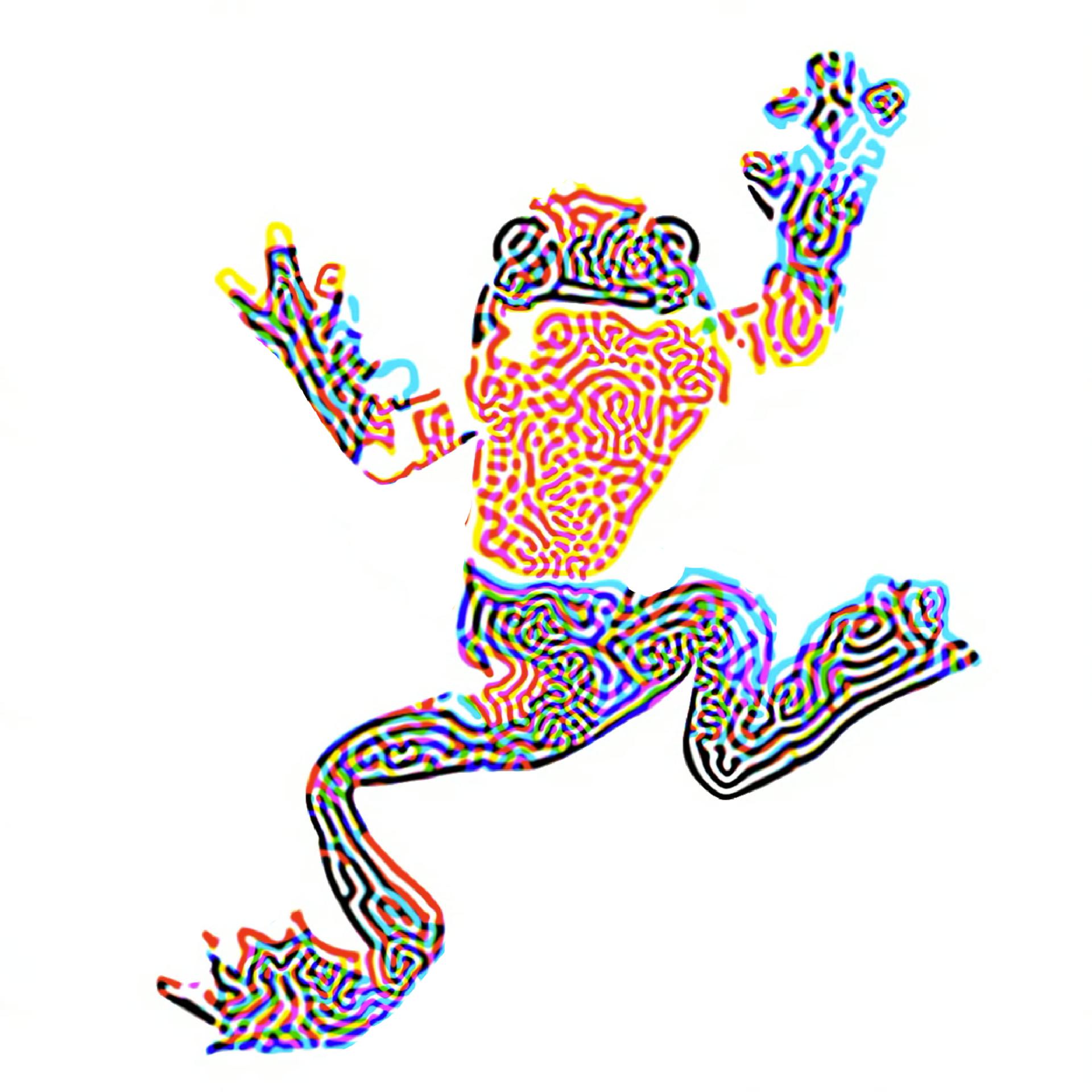
A couple of frogs I created using reaction diffusion on touch designer. #reactiondiffusion. #touchdesigner #frog
#reactiondiffusion


Reaction-Diffusion Playground: A class of generative art systems
https://jasonwebb.github.io/reaction-diffusion-playground/
#reactiondiffusion #generative #turing #art #+
Multi-Scale Turing Patterns: Interesting art generated by algorithms
https://www.flickr.com/photos/jonathanmccabe/albums/72157644907151060/
#reactiondiffusion #generative #art #+
@t36s Thanks, Daniel! The "depth" is just an illusion and comes from a creative approach to visualize cell ages. It's all one-and-a-half D only, though... 😉 2.5D would in principle be possible to, but somewhat harder to visualize/appreciate the interesting structures forming. Could be an animation or in 3D, handled like in the attached images, but even there a lot of the interesting internal structures forming are often getting lost once a certain complexity is reached (see info in alt text)...
Links to the respective projects/workshops:
- https://github.com/learn-postspectacular/sac-workshop-2013
- https://www.flickr.com/photos/toxi/albums/72157604724789091
#CellularAutomata #ReactionDiffusion #3D #Visualization #Processing #Generative
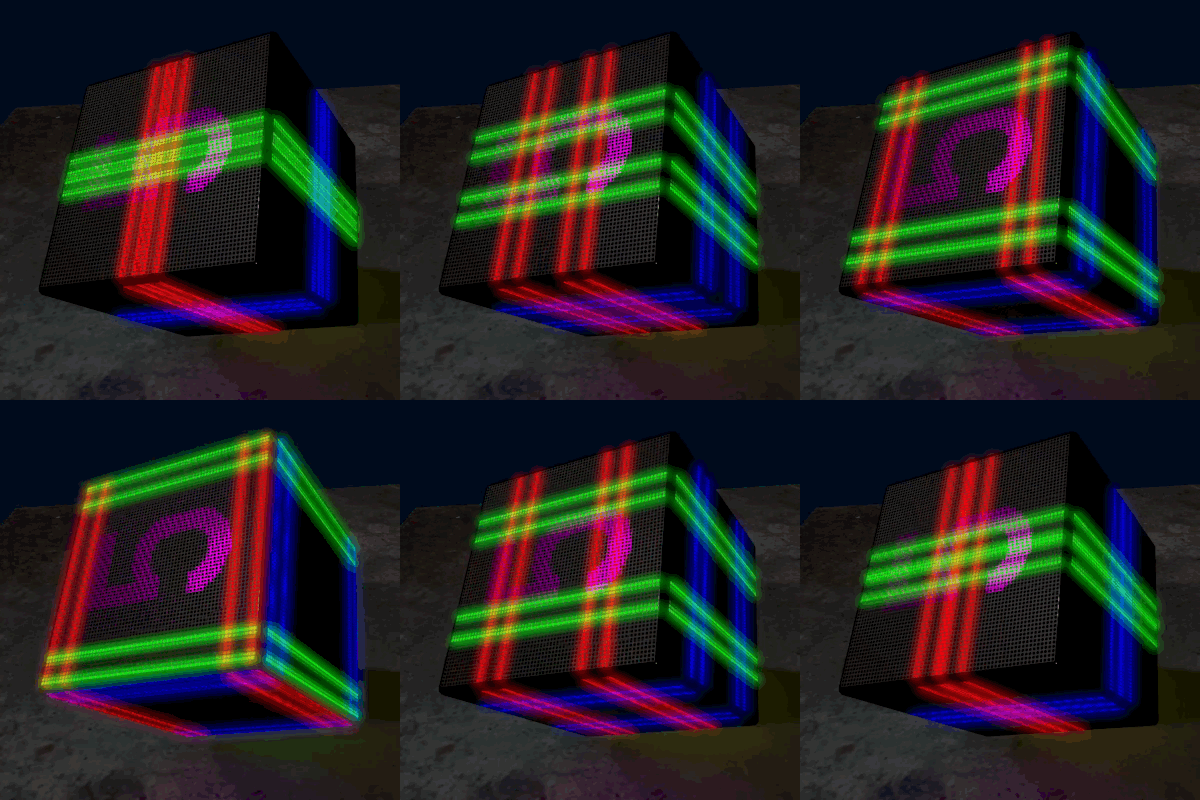
I wrote up the problem and my planned solution for the Reaction Diffusion Toy's multitasking. Check it out.
https://github.com/kbob/Reaction_Diffusion_Toy/blob/7fee5ce827931905a7ccf2f39de4bf4a29c757bb/rdembed/SYNC_NOTES.md
Now I just have to translate pseudocode into runningcode.
(Bumping @lkundrak 'cause I think he likes this stuff.)
🧵 22/N

The breakthrough is that I can reduce resolution arbitrarily. I could even draw a tiny 100x100 animation on my already tiny 1.69 inch (43mm diagonal) display. Or scale it to whatever size gives a reasonable frame rate.
So it's not how fast can it run, but how big can it run. 😉
Anyway, maybe soon I'll post my design documentation. Since this is hard (for me), I'm writing it out in great detail before I code.
No eye candy today, sorry.
🧵 21/N
I mentioned upthread in 🧵 14 that it needs to compute one pixel every 100 clocks minus overhead. And I added a lot of overhead with the buffering scheme. And it has to do two 3x3 convolutions every pixel.
And the ESP32's vector instructions are fine for basic DSP but extremely limited in load/store capabilities.
But enough whining, I had a breakthrough today...
🧵 20/N
Anyway, I've got it all pseudo-coded, and I've got the locking 99% worked out so memory doesn't get recycled too soon and work doesn't get blocked. (Four tasks and one interrupt on two CPU cores)
That just leaves the performance problem. Today I had a breakthrough on that.
🧵 19/N
I've come up with a a too-convoluted way to keep 1.1 copies of the simulation data. The simulation grid is divided into horizontal bands, and the two simulation threads work from top to bottom. As they finish reading each band to
calculate the next sim step (and the screen driver also finishes with it), they repurpose it to the bottom of the next sim step. I only have to keep about 2.2-2.4 bytes per pixel instead of 4.
But it's insanely complicated.
🧵 18/N
The S3 has 512 KB of internal RAM. (It also has 8 MB of slow PSRAM.) The R-D simulation needs 4 bytes per pixel (4 arrays of uint8_t) or 262.5 KB. And at least 12K of I/O buffer for the screen.
The problem is that the internal RAM is about half used by hardware caches, vectors, ISRs, FreeRTOS core functions, etc. I disabled a bunch of stuff and made it all fit with about 6K free, but that didn't include my app, input drivers, task stacks...
So...
🧵 17/N
I am still working on the Reaction Diffusion Toy, though I haven't updated the thread in two weeks.
There hasn't been any visible progress (i.e., eye candy) so no strong reason to post. Instead I've been head down working through how to make it fit in available RAM and run in the available time.
I did write some assembler that uses the ESP32S3's vector instructions to implement memcpy, and I know my way around the vector instructions a little.
🧵 16/N
No project news today, so here's some more eye candy. This is running on my Mac in Rust/wgpu. Same code as upthread in 🧵 7, just different reaction diffusion parameters and colormap.
These parameters are much less stable, so the simulation is only sped up 5X, not 30X.
🧵 15/N
Basic envelope math: 2 cores × 240 MHz / (240 × 280 pixels × 69 fps) = 103 clocks/pixel.
That's not a lot of time, especially when the ESP32 spends 30% (?) of its time in drivers. Each pixel gets a 3×3 convolution, among other things. The ESP32S3 has vector instructions, but I don't know how to invoke them.
🧵 14/N
I've spent some time instrumenting, tuning, and yes, debugging the screen update code. Here are the numbers. This is all on a single ESP32S3 core.
I'm thinking I'll keep the LCD code on one core and have the other core process the touch screen. (Touch code is not written yet). I'll split the reaction diffusion simulation between cores, have one core start at the top and the other start at the bottom and meet in the middle.
🧵 13/N

Here's more on the color banding. The right half of each color bar has a 4x4 ordered dither applied. The left half is undithered. (The pink sprite is not dithered.) The dither definitely improves the red, blue, and gray bars; the green is just different. TBD whether I'll have CPU power to apply dither in the final application.
This is a "retina" display at 218 dpi/8.6 pixels/mm. The dither screen should look okay at that size.
🧵 12/N

I replaced the LCD library with my own optimized, DMA and interrupts, multibuffered thing. The frame rate went from 14 to 68 FPS, which is close to the ESP32S3's SPI limit. So that's good. This is not a hardware sprite; I'm redrawing the whole screen every frame.
I'm using rgb565, so the color banding is obvious. There is no sync; tearing is obvious with some other patterns, though not here.
🧵 11/N
After two solid days of wrestling with toolchains, I can now write to the screen. I feel like this is a major accomplishment. Screen refresh is noticeably slow, though.
I'm using VSCodium, PlatformIO, ESP-IDF, and an ST7789 driver of unknown provenance (probably Waveshare). That's not the first combo I tried, nor the fourth.
🧵 10/N
#ReactionDiffusion #ESP32 #WaveShare #LVGL #VSCodium #PlatformIO
I'm reviving this project.
This is the ESP32 board I'm using. It has an ESP32S3, 8+16MB PSRAM, touch screen, yada³. Nice little kit.
https://www.waveshare.com/wiki/ESP32-S3-Touch-LCD-1.69
I am trying to decide whether to use a high level toolkit like LVGL or roll my own optimized SPI driver for the display and eke out all the performance I can. I'm leaning toward the latter, because that's what I always do.
🧵 9/N
Karl Sims, of course, is The Man when it comes to reaction diffusion eye candy. Try his RD tool, and click on the Example button a few times to get an idea of the visual effects it can produce.
https://www.karlsims.com/rdtool.html
He's also got a great tutorial. I relied heavily on this while writing mine.
https://www.karlsims.com/rd.html
🧵 8/N
It runs!
It's slow though. This demo, sped up for the short attention crowd (that's you), is 1800 simulation steps per second. It uses > 60% of one CPU core. I'm certain the ESP32 will be a lot slower.
I believe I can find another factor of two through optimization.
And there's near infinite scope to make it prettier/more interesting.
🧵 7/N
Client Info
Server: https://mastodon.social
Version: 2025.07
Repository: https://github.com/cyevgeniy/lmst