#MindNode

MindNodemindnode
2026-01-27

🔗 Connections in MindNode

Not everything fits neatly into a hierarchy — and that’s where **Connections** shine.

Draw lines between related ideas anywhere in your mind map to show deeper relationships, cross-links, and hidden patterns.

Visual thinking made smarter.

Connections in MindNode
MindNodemindnode
2026-01-20

🏷️ VisualTags in MindNode

Bring clarity to complex ideas.

Add tags to your thoughts, filter by topic, and stay focused on what matters most — no matter how big your mind map gets.

Add tags in MindNode
Markus Müller-Simhofermarkusms@mastodon.cloud
2026-01-20

We are currently working on an Apple Vision Pro widget to pin a mind map/outline to the wall. #MindNode

Screenshot taken from Apple Vision Pro with 4 widget visible that are attached to a wall. All widgets have different sizes, 3 show a mind map, one an outline.
MindNodemindnode
2026-01-13

✨ Share your thinking — not your edit button.

With view-only sharing in MindNode, you can:
👀 Let others explore your map
🧭 Give structure and context
🔒 Stay in control

Your ideas. Your rules.

View only Screen in MindNode
MindNodemindnode
2026-01-06

Your ideas flow best when everything’s in place.

With Unified Document Management, your mind maps are:
📍 Always at your fingertips
☁️ Backed up in iCloud
📲 Instantly synced across devices

Focus on thinking. Let MindNode handle the rest.

Managing Documents in MindNode
MindNodemindnode
2025-12-17

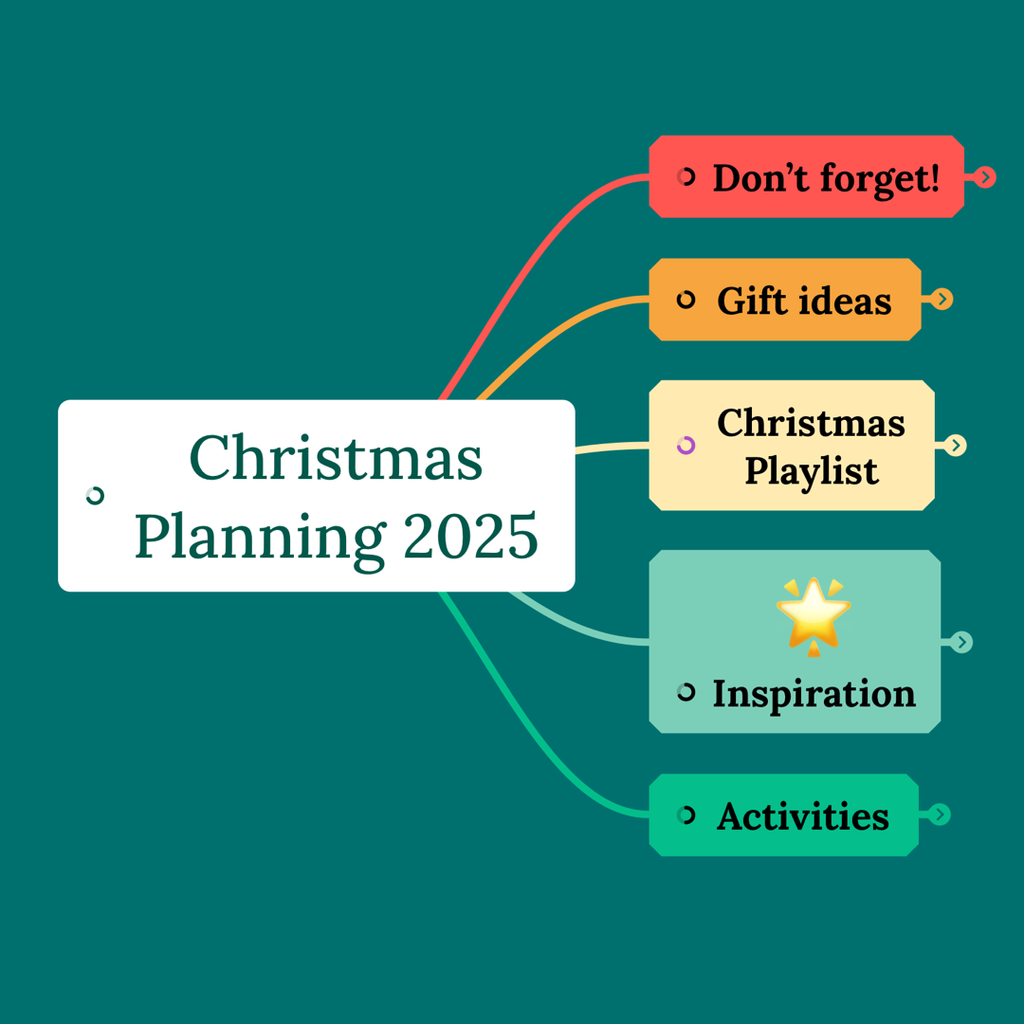
Christmas planning doesn’t have to be stressful 🎄
With MindNode, you can capture gift ideas, activities, playlists, and little reminders — all in one beautiful mind map.
Plan ahead. Stay present. Enjoy the season ❤️

MindNodemindnode
2025-12-16

💭 Your ideas deserve a little ✨ flair.

MindNode now includes 250+ beautifully designed stickers to bring your mind maps to life.
🌟 Add clarity
🎨 Add meaning
💖 Add joy

Because planning doesn’t have to be boring.

Stickers in MindNode
MindNodemindnode
2025-12-09

✨ What’s New in 2025.7
Theme Sync is here!
Your created and imported Personal Themes now stay automatically synced across all your devices.
Consistency made effortless.

MindNodemindnode
2025-12-04

✨ What’s New in 2025.7
Export your tasks to OmniFocus right from the Task menu. One click, and they’re on your to-do list.
Seamless ideas → action.

MindNodemindnode
2025-12-02

✨ What’s New in 2025.7
Export your tasks to Things right from the Task menu. One click, and they’re on your to-do list.
Seamless ideas → action.

MindNodemindnode
2025-11-27

✨ What’s New in 2025.7
Meet MindNode Alias!
Drag a document anywhere on your device to create an Alias and open your mind maps right from Finder or the Files app.
Fast access, zero friction.

MindNodemindnode
2025-11-25

🚀 What’s New in 2025.7
Meet the Improved Inspector!
✨ Resize nodes & images with precision
🎨 Add custom tint colors to your Stickers
Perfect alignment. Standout visuals. Smoother workflows.

Learn OmniFocuslearnomnifocus
2025-11-19

Export is now supported in @mindnode Next! Add tasks to nodes, then choose "Export to OmniFocus" to export them to your OmniFocus Inbox, preserving their hierarchy and tags.

p.s. Check out MindNode in our App Directory for more information and for links to content that features MindNode: learnomnifocus.com/app/mindnod

MindNodemindnode
2025-11-18

MindNode 2025.7 is here!
• Redesigned Inspector
• MindNode Aliases in Finder/Files
• Export to Things & OmniFocus
• Theme Sync across devices
• Apple Intelligence title suggestions

Read more: mindnode.com/post/mindnode-202

MindNodemindnode
2025-11-07

🎓 Studying for an exam?
Turn your notes into a clear visual map and actually see how everything connects.
Learn smarter, remember longer — MindNode can help. Learn more at mindnode.com

A clean promotional graphic with the text “Studying for an exam?” above a colorful mind map labeled “Introduction to Psychology.” The lower section reads “MindNode can help. Compress your notes into a mind map to improve your learning.”
MindNodemindnode
2025-10-10

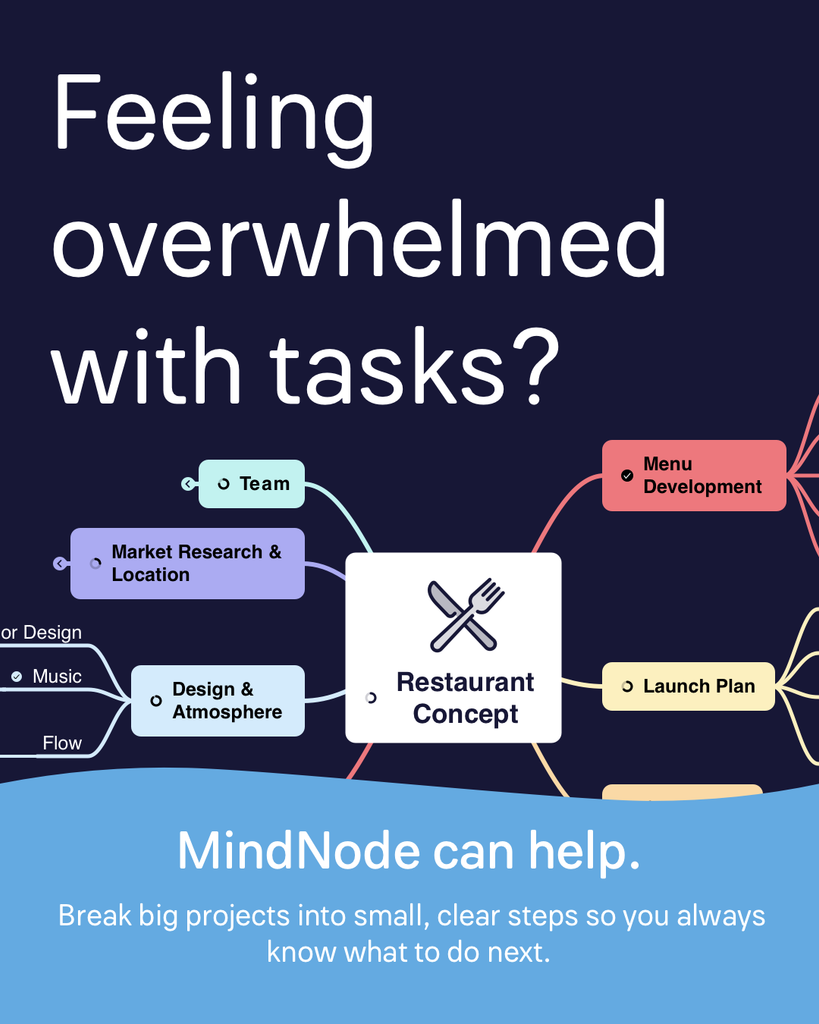
Feeling overwhelmed with tasks?
MindNode can help. ✨

Turn big ideas into small, clear steps — and finally make progress without the stress.

Try MindNode free and start mapping your next big idea today.

Blue poster showing a colorful mind map titled “Restaurant Concept” with text: “Feeling overwhelmed with tasks? MindNode can help you break big projects into clear steps.”
MindNodemindnode
2025-09-22

✨ Brainstorming with Apple Intelligence in MindNode ✨
Instantly structure new documents or expand existing ideas — all with a single tap.
And the best part: everything is private, fast, and runs entirely on your device.
👉 mindnode.com

MindNodemindnode
2025-09-15

🚀 MindNode 2025.6 is live!
✨ New “Liquid Glass” design on Mac, iPad & iPhone
🤖 Built-in Apple Intelligence: generate, expand, summarise & remove image backgrounds (all private & on-device)
🎨 UX refinements: smoother animations, better multitasking, thumb-friendly search

👉 mindnode.com/post/2025.6

A MindNode mind map titled “What’s New in MindNode 2025.6.” Main node with “MindNode 2025.6.” On the left branch, labeled “Apple Intelligence,” and on the right "Liquid Glass". Mind Map has several screenshots.
MindNodemindnode
2025-09-09

Ideas are great. But action is better.

With Tasks in MindNode, you can:
✅ Check off to-dos
🧩 Break big thoughts into small steps
👀 See your progress – right in your mind map

No lists. No switching. Just clarity.

MindNodemindnode
2025-07-31

Friends of MindNode 🤝 🫶
In a world full of “one-size-fits-all” apps, we believe in using the right tool for the job.
@bearapp for notes. MindNode for mind maps. ⭐
Each with its own strengths — better together.

Read more here: buff.ly/K5ktr07

Client Info

Server: https://mastodon.social
Version: 2025.07
Repository: https://github.com/cyevgeniy/lmst